Wyze Cam without Subscription: What Actually Works
As an Amazon Associate we earn from qualifying purchases made through links on this page — it doesn't affect what we recommend, or why. How this works
The problem
You want a Wyze cam to just work—record video, let you check footage—without getting nagged into a Cam Plus subscription every time you open the app.
What’s actually going on
Wyze pushes most of its useful features behind Cam Plus because the company's business model is built around cloud storage and AI processing, not the camera hardware itself. Out of the box, a Wyze cam without any plan only gives you short, throttled motion-triggered clips saved to Wyze's cloud, plus live view. Continuous recording, person/vehicle/package detection, and full event history all sit behind the subscription. That's a deliberate gate, not a hardware limitation, because every Wyze Cam v3 1080p Indoor/Outdoor, Wyze Cam v4 2.5K AI Security Camera, and Wyze Cam OG Indoor/Outdoor 1080p (2-Pack) has a microSD card slot built in for local, non-cloud recording (support.wyze.com/hc/en-us/articles/360024858831).
The fix
Skip Cam Plus entirely and record to a microSD card instead. Insert a card (Wyze lists support up to 256GB depending on model) directly into the camera, then in the Wyze app turn on local recording — either continuous recording or motion-triggered recording to the card (support.wyze.com/hc/en-us/articles/360024858831). This keeps footage on the device itself, viewable and scrubbable from the app's local playback tab, with no monthly fee and no cloud dependency.
You'll still get the free tier's basic cloud motion clips (short, cooldown-limited, non-AI) as a backup notification layer, since that part doesn't require a subscription (support.wyze.com/hc/en-us/articles/360031961632). Combine the two: SD card for the actual video record, free cloud clips for a quick push alert when something moves.
If you later want AI detection (person, vehicle, package) or longer cloud clip history, that's the only point where Cam Plus becomes relevant — and it's optional, not required for the camera to function as a recorder.
What we’d use
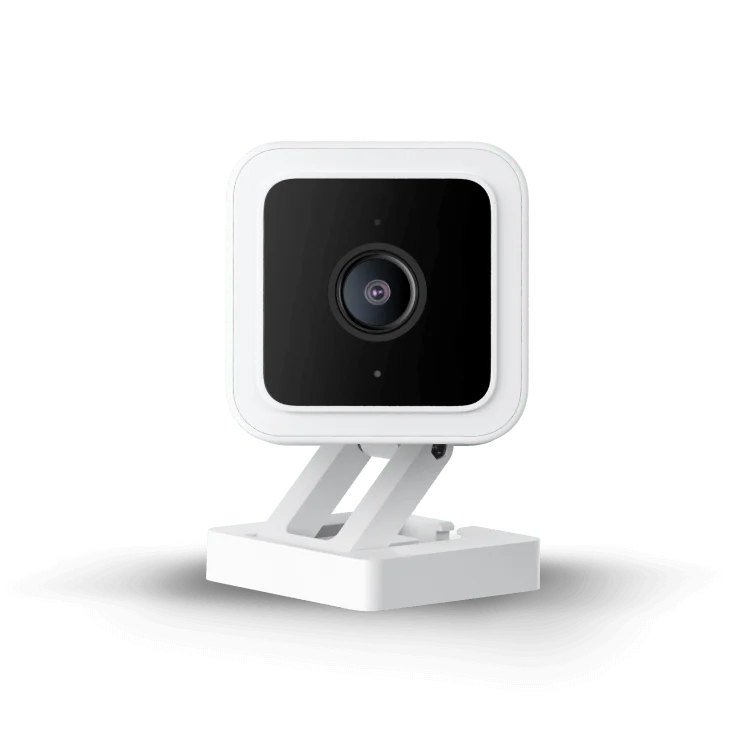
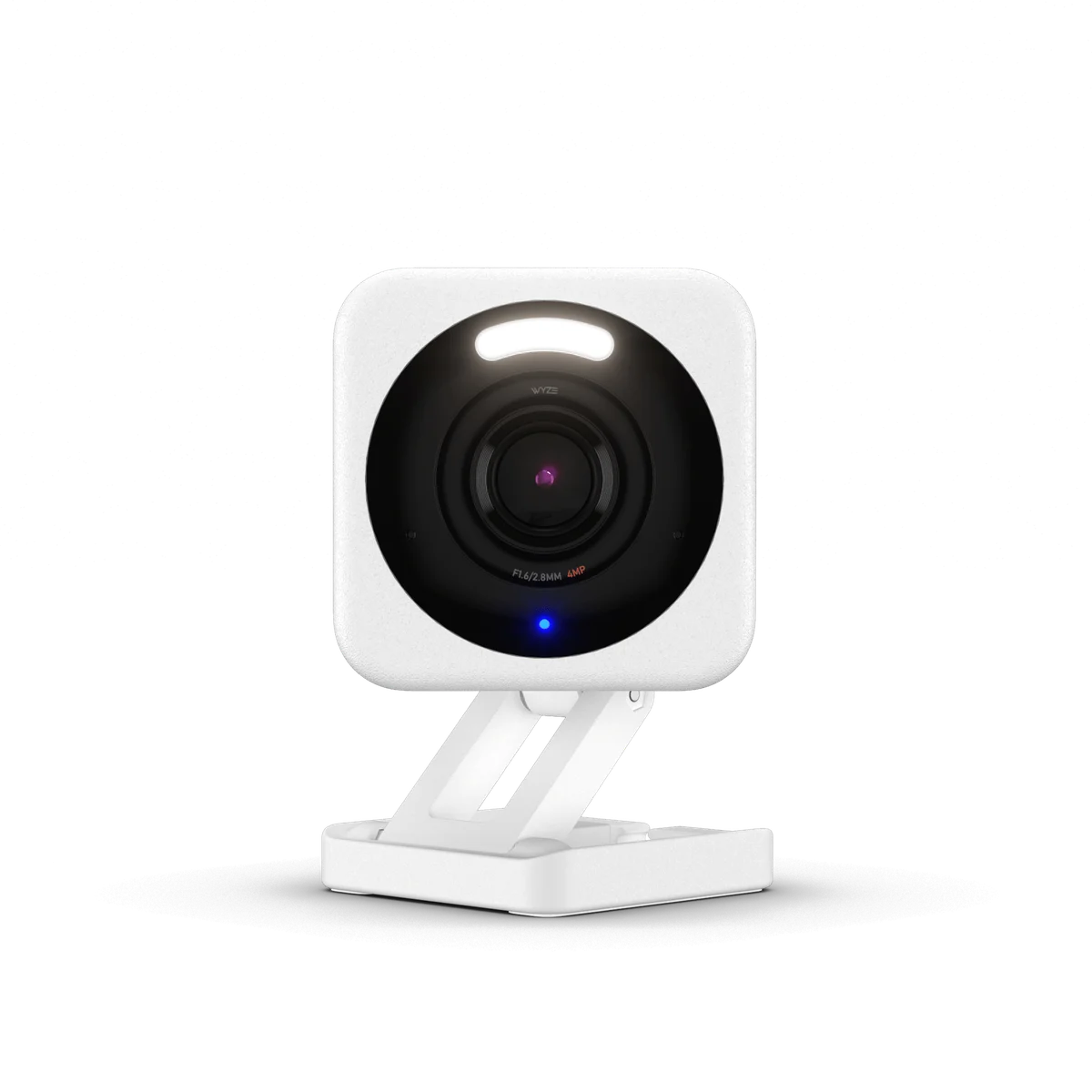
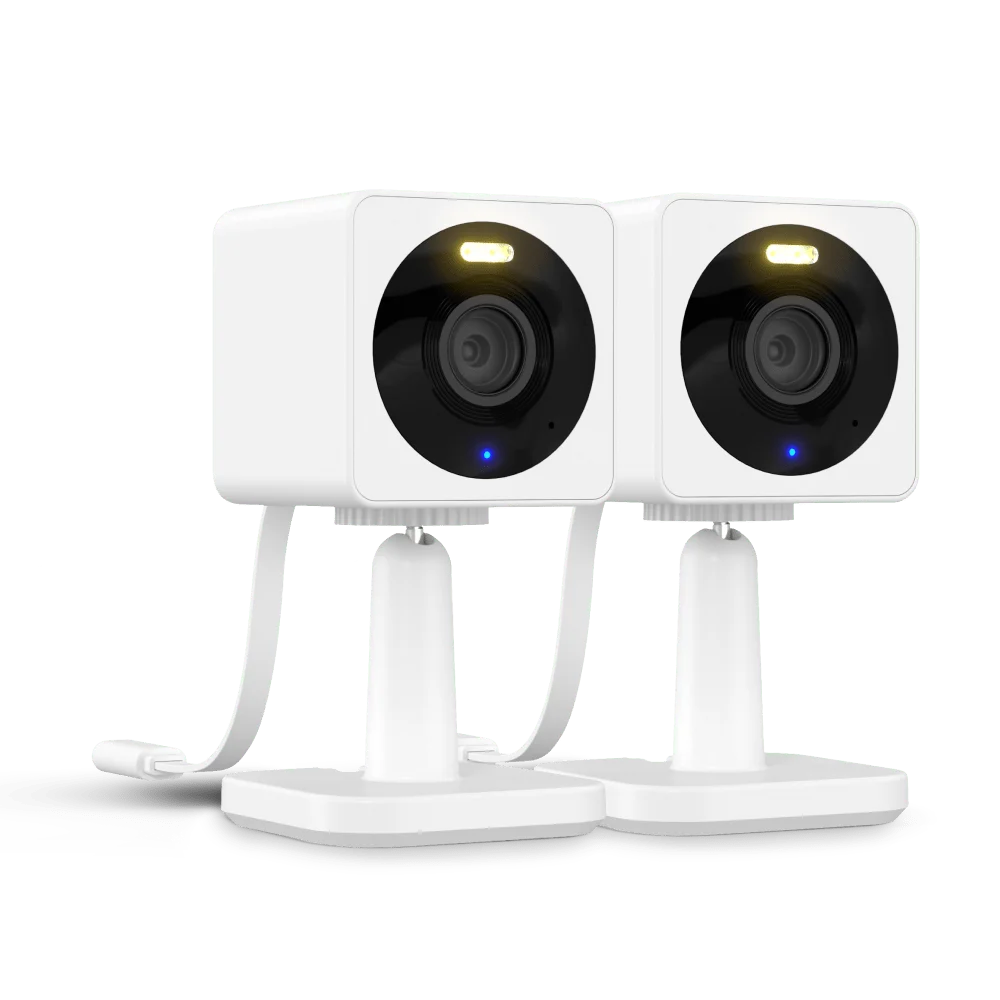
What "no subscription" actually means for a Wyze cam
Every Wyze camera ships as a dumb-looking box that gets smarter the more you pay. Without any plan, a fresh Wyze Cam v3 1080p Indoor/Outdoor or Wyze Cam v4 2.5K AI Security Camera will still connect to Wi-Fi, stream live video, and send you a notification when it detects motion. What it won't do for free is store a useful amount of that footage in the cloud, run AI detection to tell a person apart from a cat, or let you scrub back through a full day's events. Those are Cam Plus features, and Wyze is upfront that they require the subscription (support.wyze.com/hc/en-us/articles/360031961632). The free cloud clips you do get are short — typically around 12 seconds — and throttled with a cooldown between triggers, so a busy driveway will miss a lot of activity between clips.
The good news is that none of this is a hardware limitation. The camera's sensor, lens, and recording chip don't care whether you're paying. The gate is purely in how Wyze routes and stores the video afterward.
Local microSD storage: the real no-subscription fix
All three cameras — Wyze Cam v3, Wyze Cam v4, and Wyze Cam OG Indoor/Outdoor 1080p (2-Pack) — have a microSD card slot built into the camera body, and Wyze's own support documentation describes using that slot for local recording with no subscription attached (support.wyze.com/hc/en-us/articles/360024858831). Once a card is inserted, you can set the camera to record continuously (CVR, continuous video recording) or only when it detects motion, and that footage lives entirely on the card, not on Wyze's servers.
This matters for two reasons. First, cost: a one-time SD card purchase replaces an ongoing monthly or annual fee. Second, resilience: if your internet goes down, local recording keeps working because it doesn't depend on uploading anything — only live remote viewing and app notifications need connectivity.
The tradeoff is that you lose the cloud safety net. If someone steals the camera or it's damaged, the card goes with it, whereas cloud storage survives physical loss of the device. For an indoor camera near a desk, that's a minor risk. For an outdoor camera covering an entry point, it's worth weighing.
Setting it up in order
Start with the card itself. Check the exact camera's listed supported capacity before buying — Wyze's product pages and support articles list the ranges per model, and using an unsupported card size or an unformatted card is the single most common reason local recording silently fails (wyze.com/products/wyze-cam-v3, wyze.com/products/wyze-cam-v4, wyze.com/products/wyze-cam-og).
Once the card is in the slot, open the Wyze app, go to the camera's settings, and look for the recording section. From there, choose between motion-triggered local recording or continuous recording. Continuous recording uses more card space but never has gaps; motion-triggered saves space but depends on the camera's built-in motion sensitivity being tuned correctly.
After that's configured, check the app's playback tab (not the events tab — events pulls from cloud clips) to confirm footage is actually landing on the card. This step catches most setup mistakes early, before you're relying on footage that was never being saved in the first place.
Finally, decide whether to also leave the free cloud motion clips turned on. They cost nothing and act as a near-real-time notification layer even though they're not a full record — useful as a backup, not a replacement for the SD card.
Where free tier still falls short
It's worth being honest about what local recording doesn't fix. AI-based detection that distinguishes a person from a passing car, or a package being dropped off, is a Cam Plus-only feature according to Wyze's own description of the subscription (support.wyze.com/hc/en-us/articles/360031961632). Without it, motion alerts trigger on anything that moves in frame — branches, headlights, shadows — and you'll get more false alerts than with the paid tier.
Remote viewing of the SD card footage also has limits: you're pulling clips over your home network or through the app remotely, which can be slower than streaming from a cloud server, especially over a weak connection. And if you want footage from multiple cameras consolidated into one timeline, cloud plans do that automatically; local SD cards keep each camera's footage separate and camera-specific.
None of that is a dealbreaker for most households. It just means local recording is a genuine fix for "I don't want a subscription," not a silent upgrade that happens to also replace every paid feature.
Which Wyze Cam to pick if you refuse to subscribe
All three cameras support the same local-recording approach, so the choice mostly comes down to placement and resolution rather than subscription behavior. The Wyze Cam OG Indoor/Outdoor 1080p (2-Pack) is the simplest starting point if you need to cover two spots at once without doubling the setup effort. The Wyze Cam v3 1080p Indoor/Outdoor is a well-documented, weatherproof option suited to a single outdoor entry point. The Wyze Cam v4 2.5K AI Security Camera offers higher resolution footage, which is useful if you want to zoom into saved local clips later and still make out detail, since the gap between 1080p and 2.5K becomes more noticeable the more you crop into a recording after the fact.
Also on the bench
Others in this category:
- Does Aqara P1 Need a Hub? Yes — With One Caveat Worth Knowing
- Kasa HS220 Neutral Wire Required? Yes — With One Caveat Worth Knowing
- Wyze Cam v3 vs v4 — Every Spec Difference That Actually Matters
- Kasa HS220 vs KS220 — Every Spec Difference That Actually Matters
- Does Echo Show 5 Have Zigbee? No — Here's What You Need Instead
Common questions
Does the free cloud clip still work if I also use an SD card? Yes — local recording and the free cloud motion clip service run independently, so you can keep both active at once (support.wyze.com/hc/en-us/articles/360024858831).
Can I view SD card footage remotely, away from home? Yes, through the Wyze app's playback feature, though performance depends on your home internet upload speed since the camera has to send stored clips back out to you.
Will the camera stop working if I never subscribe? No. Live view, motion notifications on the free tier, and local SD recording all function indefinitely without Cam Plus, per Wyze's own support documentation.
What happens when the SD card fills up? Continuous recording is designed to loop, overwriting the oldest footage once the card is full, so you don't need to manually clear space on a routine basis.