Kasa HS220 vs KS220: Every Spec Difference That Actually Matters
As an Amazon Associate we earn from qualifying purchases made through links on this page — it doesn't affect what we recommend, or why. How this works
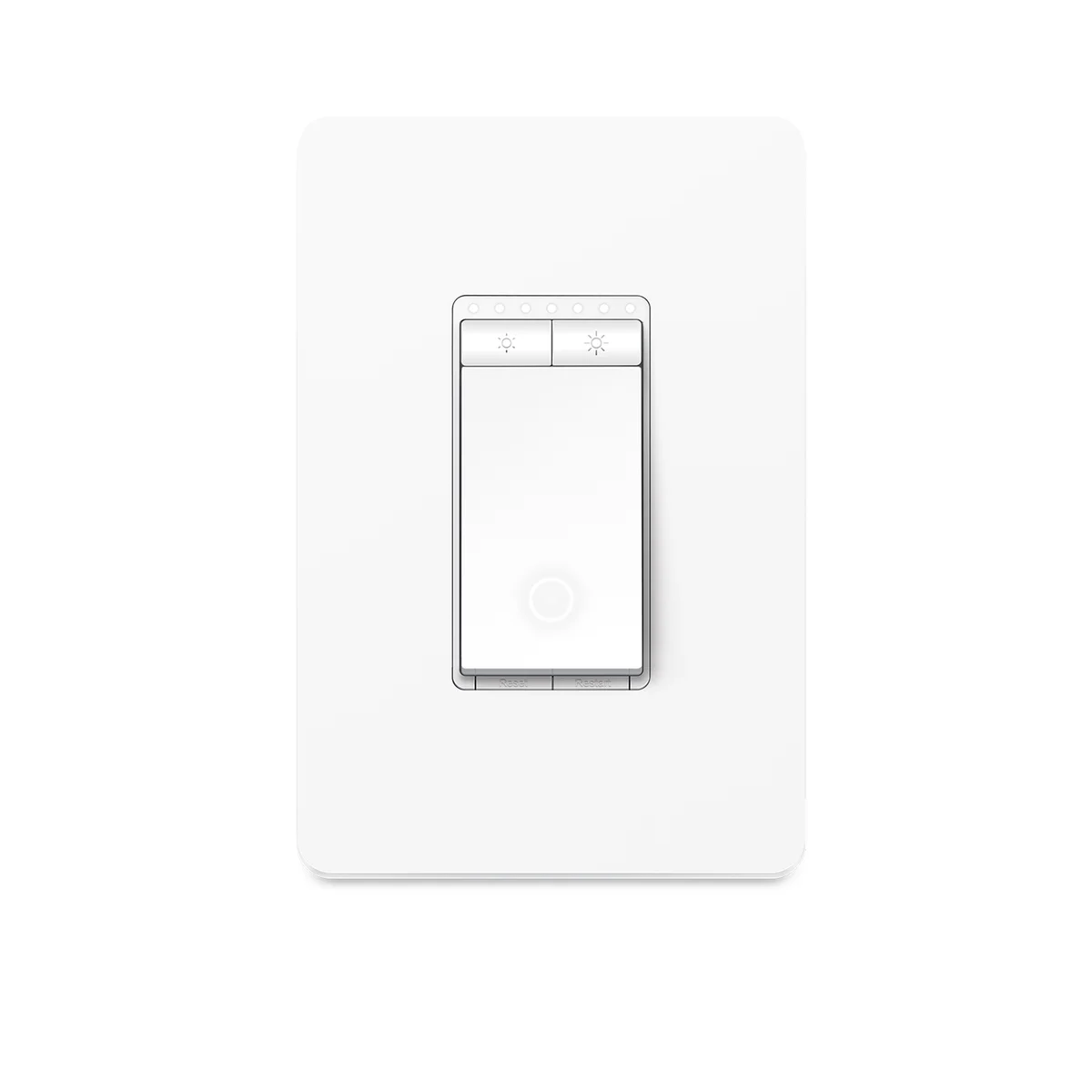
| Spec | Kasa Smart Dimmer Switch HS220 | Kasa Apple HomeKit Smart Dimmer Switch KS220 | Why it matters |
|---|---|---|---|
| Apple HomeKit support | No native HomeKit support | Native Apple HomeKit support (works directly in the Apple Home app) | If you live in an Apple Home / Siri household, only the KS220 shows up and responds to Siri without a third-party bridge. source |
| Pairing / setup method | Paired through the Kasa Smart app using a Kasa account and in-app device discovery | Paired through the Apple Home app using the HomeKit setup code printed on the device/packaging | The setup flow and the app you'll live in day-to-day are different, which affects how non-Apple household members control the switch. source |
| Voice assistant coverage | Works with Amazon Alexa and Google Assistant via the Kasa app | Works with Siri/Apple Home natively, plus Alexa and Google Assistant through the Kasa app | The KS220 covers every major voice ecosystem, while the HS220 leaves out Siri entirely. source |
| Remote access requirement | Remote access and scheduling work over the Kasa cloud account with no extra hardware needed | Remote access and automations through HomeKit require an Apple TV, HomePod, or iPad set up as a home hub | An Apple-only household without one of those hub devices loses away-from-home control and automation on the KS220. source |
Verdict
Pick the Kasa Smart Dimmer Switch HS220 if you run Alexa or Google Assistant, or just want dimming control through the Kasa app without any Apple-ecosystem requirements. Pick the Kasa Apple HomeKit Smart Dimmer Switch KS220 if you're committed to Apple Home and Siri and already own (or plan to own) an Apple TV, HomePod, or iPad to serve as a home hub for remote access.
Pick Kasa Smart Dimmer Switch HS220 when
You control your smart home through Alexa, Google Assistant, or the Kasa app and have no need for Siri or Apple Home integration.
Pick Kasa Apple HomeKit Smart Dimmer Switch KS220 when
You run an Apple Home setup, want Siri voice control, and already have an Apple TV, HomePod, or iPad to act as a home hub.
The one spec that actually separates these two
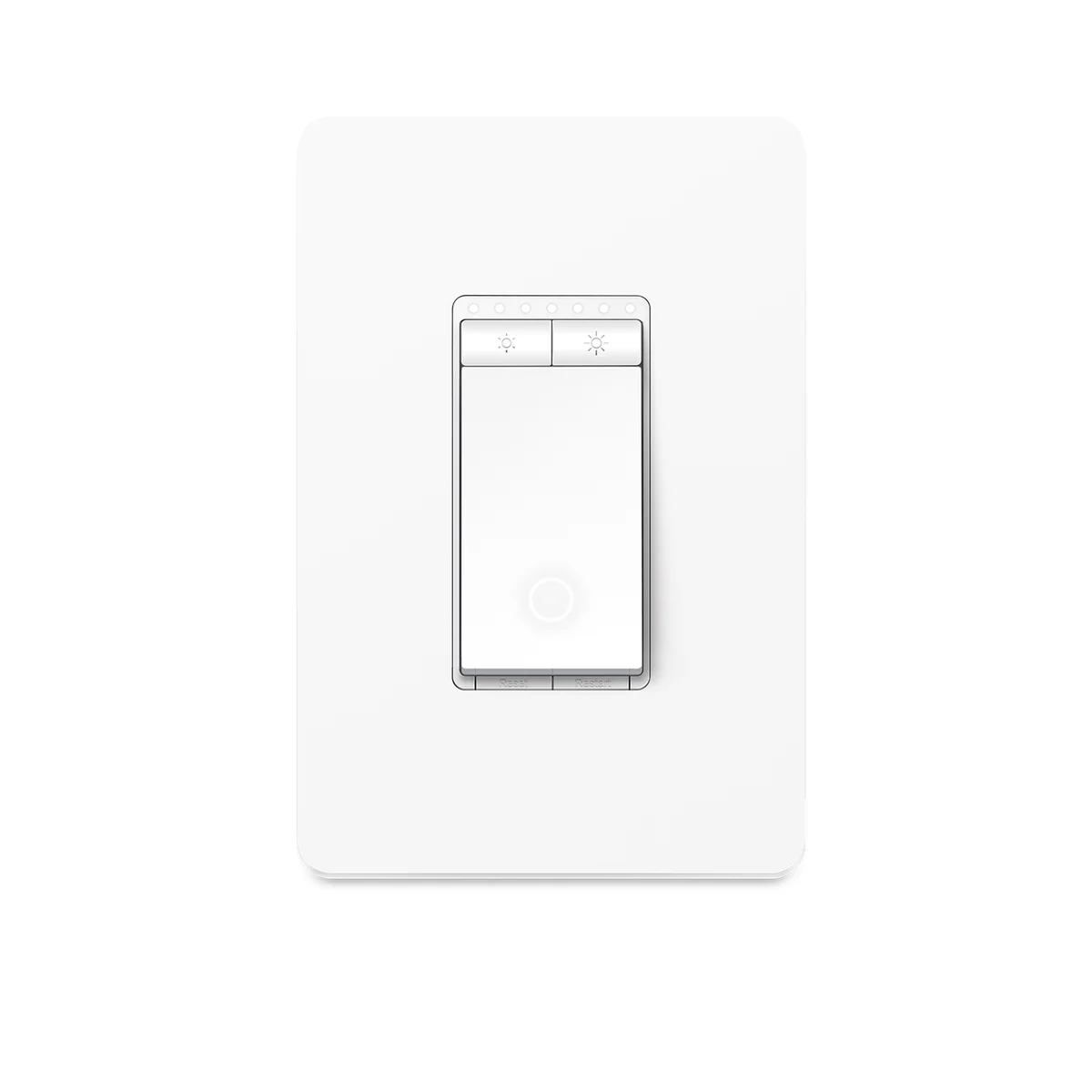
The Kasa Smart Dimmer Switch HS220 and the Kasa Apple HomeKit Smart Dimmer Switch KS220 are the same physical dimmer wired the same way, but they sit on different sides of one structural line: HomeKit support. The HS220 has no native HomeKit support at all, according to its product listing. The KS220 does, and it's built specifically so it shows up as a HomeKit accessory inside the Apple Home app rather than needing a bridge or workaround. For a lot of buyers that single fact decides the purchase before any other spec gets compared.
This isn't a firmware toggle or a later software update - the KS220 is sold, labeled, and documented as the HomeKit variant of this dimmer line, while the HS220 is documented purely around Kasa app, Alexa, and Google Assistant use. If HomeKit isn't part of your home at all, the distinction barely matters. If it is, it's the only spec on this page you need to read closely.
What changes during setup
Setup for the HS220 runs entirely through the Kasa Smart app: you create or sign into a Kasa account, let the app discover the switch on your Wi-Fi network, and name/assign it to a room from there. Everything - schedules, away mode, grouping with other Kasa devices - lives inside that one app.
The KS220 setup instead uses the HomeKit pairing flow: you open the Apple Home app, scan or enter the HomeKit setup code printed on the device or its packaging, and the switch registers directly as a HomeKit accessory, per TP-Link's own FAQ on Kasa HomeKit devices. You're not required to create a separate Kasa account just to get basic on/off and dimming control working, because HomeKit handles accessory communication locally and through Apple's own cloud relay for remote access. That's a genuinely different day-one experience, and it's worth knowing before you buy if you're expecting the familiar Kasa app flow - on the KS220, Apple Home is the primary control surface.
Voice control and automation differences
Both switches work with Amazon Alexa and Google Assistant through the Kasa app's skill/action integrations. Where they diverge is Siri. The HS220 simply doesn't support Siri or Apple Home - there's no listed path to add it as a HomeKit accessory. The KS220 supports Siri natively because it's built as a HomeKit device from the factory, and it still keeps Alexa and Google Assistant support through the Kasa app according to the product page. So in a household that mixes voice assistants, the KS220 is the one that checks every box; the HS220 checks two out of three.
Automation is where the practical difference shows up most. In the Kasa app, HS220 automations (schedules, sunrise/sunset dimming, grouping with other Kasa smart plugs or bulbs) run through TP-Link's cloud and work as long as the switch has internet access - no extra hardware required. HomeKit automations for the KS220, including anything that needs to trigger while you're away from home, require a home hub: an Apple TV, HomePod, or iPad left at home and signed into the same Apple ID, per Apple's own support documentation on setting up a home hub. If you don't already have one of those devices sitting in your house, remote access and time/location-based automations on the KS220 won't work until you do. That's an easy detail to miss when comparing two switches that otherwise look identical on a listing page.
Who actually needs the HomeKit version
The decision mostly comes down to what's already running your home. If you're on Android, use Alexa or Google Assistant as your primary voice control, or you just want a dimmer that works out of the box with the Kasa app's scheduling and grouping features, the HS220 does that job without asking anything extra of you. There's no Apple tax to pay, no hub requirement, and no need to think about HomeKit at all.
If your phone, your speakers, and your other smart home accessories are all Apple Home-based, the KS220 slots in without needing a third-party bridge, Matter accessory, or workaround - it's a first-party HomeKit device per TP-Link's own listing. The catch is the home hub requirement: without an Apple TV, HomePod mini, or similar always-on Apple device, you'll have local control when you're on the same Wi-Fi network, but you won't get remote access or time-based automations. That's worth checking before buying, not after.
It's also worth checking the exact model number printed on the switch or its box before ordering, since Kasa's lighting lineup includes several dimmers (HS220 and KS220 among them) that look visually similar but differ in exactly this kind of ecosystem support. Matching the model number to the listing, rather than assuming by appearance, avoids an install-day surprise.
Also on the bench
Same category, worth a look:
- Does Aqara P1 Need a Hub? Yes — With One Caveat Worth Knowing
- Wyze Cam without Subscription — What Actually Works
- Kasa HS220 Neutral Wire Required? Yes — With One Caveat Worth Knowing
- Wyze Cam v3 vs v4 — Every Spec Difference That Actually Matters
- Does Echo Show 5 Have Zigbee? No — Here's What You Need Instead
Common questions
Can I add HomeKit support to the HS220 after buying it? No - there's no documented firmware update or bridge path that adds native HomeKit support to the HS220. The HomeKit capability is built into the KS220's hardware/firmware from the start, not something added later.
Does the KS220 still work with the Kasa app? Yes, the Kasa app remains available for firmware updates and device management on the KS220, but day-to-day control is designed to run through Apple Home once it's paired.
Do I need a HomePod or Apple TV just to turn the KS220 on and off at home? No - local control over your home Wi-Fi network works without a hub. A home hub (Apple TV, HomePod, or iPad) is only required for remote access when you're away from home and for scheduled/location-based automations, per Apple's hub documentation.
Is the wiring or installation different between the two? Both are sold as dimmer switches in TP-Link's Kasa smart lighting lineup; check each product's own installation documentation for wiring requirements such as neutral wire needs, since that applies to the switch itself rather than to the HomeKit-vs-non-HomeKit distinction covered here.