Kasa HS220 Neutral Wire Required? Yes — With One Caveat Worth Knowing
As an Amazon Associate we earn from qualifying purchases made through links on this page — it doesn't affect what we recommend, or why. How this works
Short answer
Yes
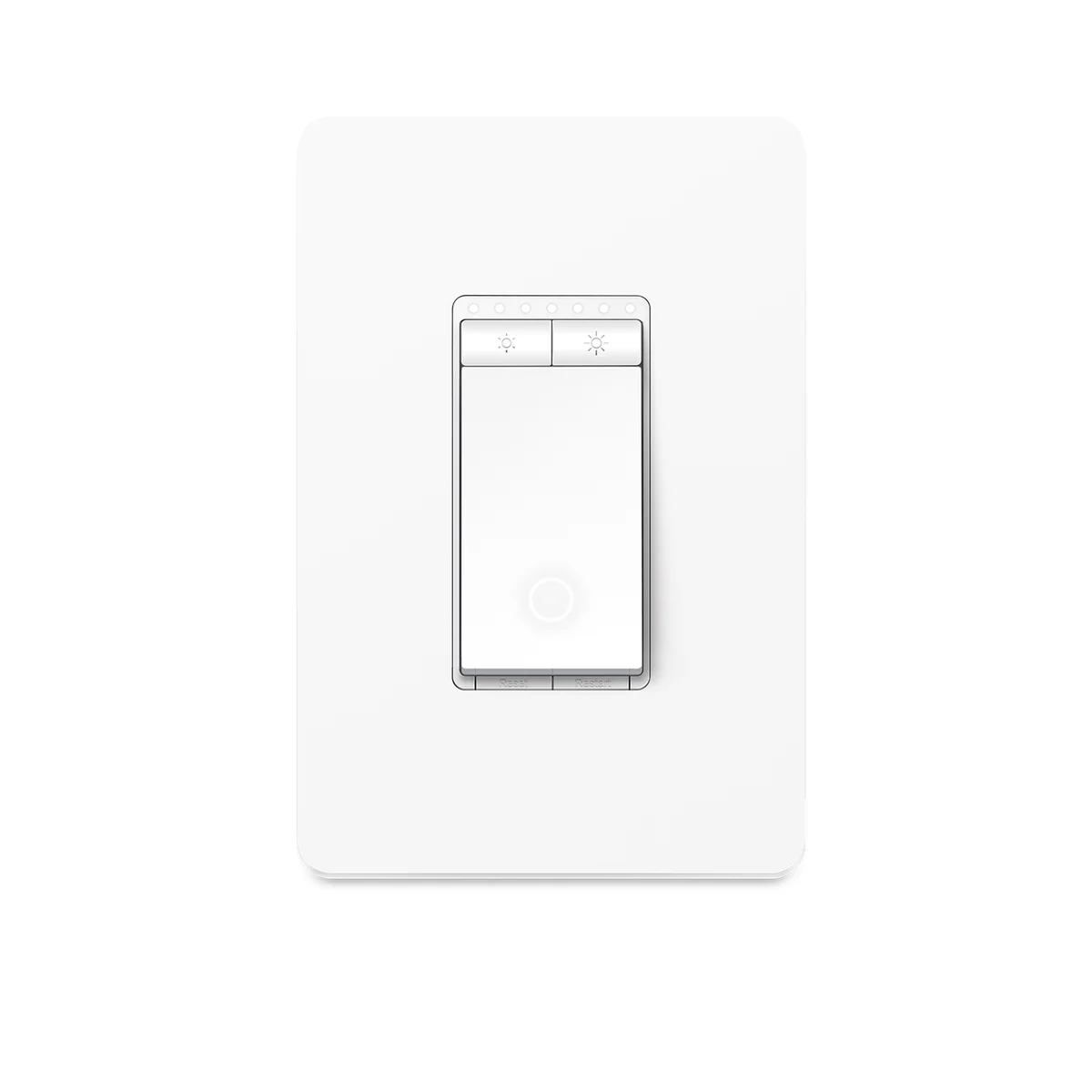
Yes, the Kasa Smart Dimmer Switch HS220 requires a neutral wire in the wall box to install and operate.
The HS220 is a line-powered, Wi-Fi connected in-wall dimmer, and its internal radio and microcontroller need a constant power draw even when the attached light is switched off. That continuous power comes from the neutral wire, not from the load wire, which is why TP-Link lists a neutral connection as a requirement rather than an option on the HS220's installation documentation.
This is different from a basic mechanical dimmer, which can get by on just a line and load wire because it has no always-on electronics. Homes built before the mid-1980s in much of North America often ran only two conductors plus ground to a switch box, with no neutral present, which is the most common reason buyers run into this wall mid-installation.
TP-Link does not offer a no-neutral version of the HS220. If your box has no neutral conductor, the switch cannot be safely or functionally installed there, and there is no firmware or wiring trick that substitutes for the missing wire.
What to do instead
Open the switch box (power off at the breaker first) and look for a bundle of white wires, usually capped together with a wire nut and tucked to the back of the box, separate from the black/line and red/load wires. If that bundle is present, you have a neutral and the HS220 will install normally. If the box only has two wires (plus bare copper ground) running to the switch, there is no neutral present. In that case, options include running new wiring with a neutral conductor pulled to the box (an electrician job in most cases), replacing the fixture control with a plug-in or in-lamp smart solution that doesn't require rewiring the switch, or choosing a no-neutral smart switch from a brand that specifically engineers for two-wire boxes, since the HS220 is not that product.
Why a neutral wire matters here
The Kasa Smart Dimmer Switch HS220 is built as an in-wall replacement for a standard dimmer, and it stays connected to Wi-Fi around the clock so it can respond to app commands, scheduled dimming, and voice assistant requests even when the light itself is off. Running that radio and the onboard processor needs a trickle of continuous power, and the only way an in-wall switch gets continuous power is through a neutral wire completing the circuit back to the panel. TP-Link's own installation documentation for the HS220 lists the neutral wire as part of the required wiring, alongside line, load, and ground, which is the manufacturer's way of confirming this is not optional hardware behavior.
This matters because a lot of dimmer confusion online comes from conflating "the light works" with "the switch works." A mechanical dimmer can physically interrupt the line wire without ever touching a neutral, and the light turns on and off fine. But a smart dimmer with its own Wi-Fi chip needs to stay partially powered at all times to maintain a network connection, and that's the piece that fails without a neutral, not basic on/off control.
How to check your own box for a neutral
Before buying, shut off the breaker for that circuit and confirm with a non-contact voltage tester that the wires are dead. Remove the existing switch plate and the switch itself, then look inside the box. You're looking for a bundle of white (or sometimes white-with-colored-tape) wires that are twisted together with a wire nut and pushed to the back or side of the box, not connected to the switch's screw terminals. That bundle, called a "neutral pigtail" or "neutral bundle," is the neutral supply. If it exists and is simply unused by your current dimmer, the HS220 will connect to it directly per the included wiring diagram.
If you only find two insulated wires (commonly black and red, or black and white re-marked with black tape to indicate it's being used as a hot) plus a bare copper ground, and nothing else, your box has no neutral. This is common in switch loops wired before updated electrical codes required a neutral at every switch location, which became standard in most U.S. jurisdictions only in the 2011 National Electrical Code cycle and later. Houses and additions built before that code adoption, and many older homes never updated, are the ones most likely to lack a neutral at the switch.
Setting up 3-way and multi-location circuits
If the dimmer controls a light from two locations, the HS220 cannot simply be wired into any generic 3-way setup. TP-Link's support documentation specifies that 3-way operation with the HS220 requires TP-Link's own companion accessory switch at the second location, because the HS220 needs to communicate wiring-state information with that companion piece in a way an ordinary mechanical 3-way switch can't provide. Installing the HS220 as one leg of a 3-way circuit with a standard mechanical switch at the other end is not a supported configuration and can cause erratic dimming behavior or failure to switch at all. If your existing 3-way circuit doesn't have a neutral at both switch boxes, the companion add-on switch may also be unusable, so it's worth checking both boxes, not just the one getting the HS220.
What to do if there's no neutral
There is no supported way to run the HS220 off a two-wire, no-neutral switch loop. The realistic choices are: have an electrician fish a neutral conductor to the box (sometimes straightforward if the switch box shares a wall cavity with an outlet or junction box that already has one, sometimes a bigger job depending on the house), or sidestep the in-wall switch entirely and put the smart control somewhere that already has a neutral, such as at the fixture itself or at a plug-in point feeding a lamp. Leaving the existing mechanical dimmer in place and controlling the bulb's brightness another way is a common fallback for renters or anyone who doesn't want to open walls.
It's also worth checking local supply before assuming a rewire is the only path. Some older homes have a neutral available in the ceiling box at the fixture even when the switch box lacks one, which is a separate question from what's in the switch box itself and doesn't change the HS220 requirement, but is useful information if you're already calling an electrician about the room's wiring.
Also on the bench
Same category, worth a look:
- Does Aqara P1 Need a Hub? Yes — With One Caveat Worth Knowing
- Wyze Cam without Subscription — What Actually Works
- Wyze Cam v3 vs v4 — Every Spec Difference That Actually Matters
- Kasa HS220 vs KS220 — Every Spec Difference That Actually Matters
- Does Echo Show 5 Have Zigbee? No — Here's What You Need Instead
Common questions
Does the HS220 work with LED bulbs? TP-Link's compatibility documentation lists dimmable LED, CFL, and incandescent bulbs as supported load types, but non-dimmable bulbs are explicitly excluded and can cause flickering or buzzing even if the wiring is otherwise correct. Check the bulb's own packaging for a "dimmable" label before wiring the switch in.
Can I tell if I have a neutral without opening the box? Not reliably. The age of the home is a hint, not proof, since some rooms were updated or rewired at different times even in older houses. Opening the box with the power off and visually confirming is the only accurate check.
Will the switch show a fault or error if there's no neutral? No electronic warning happens at the switch itself in most cases; the typical symptom is that the switch fails to power on, stays dark, or won't connect to Wi-Fi at all, which looks identical to a wiring mistake. That ambiguity is exactly why checking the box first saves a return trip or a return shipment.
Is there a no-neutral version of this switch? Not from TP-Link for the HS220 line. Buyers whose boxes lack a neutral and who don't want an electrical upgrade will need to look outside this specific product rather than expect a variant that skips the requirement.