Does Echo Show 5 Have Zigbee? No — Here's What You Need Instead
As an Amazon Associate we earn from qualifying purchases made through links on this page — it doesn't affect what we recommend, or why. How this works
Short answer
No
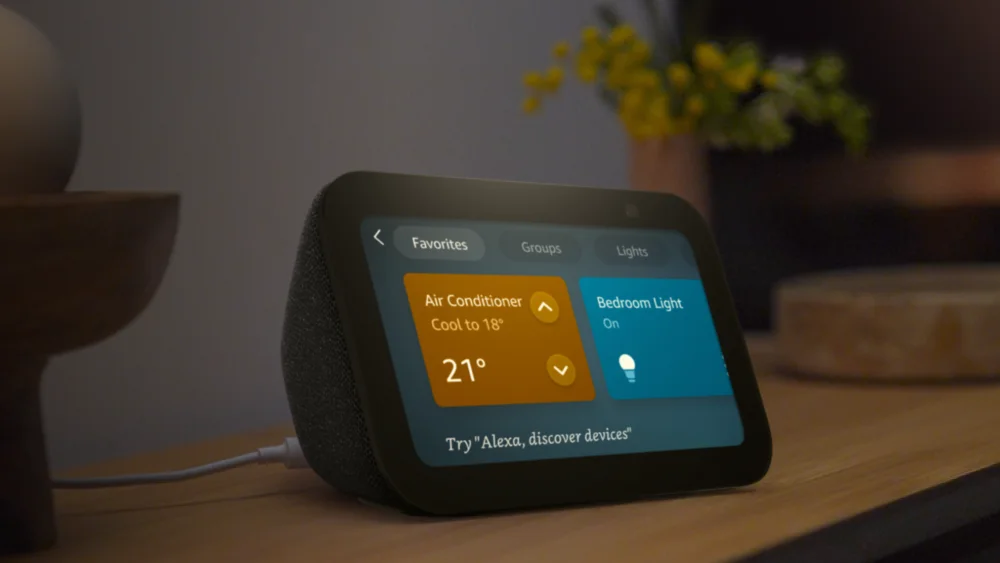
No, the Echo Show 5 (both the 2nd Gen and the newest model) has no built-in Zigbee radio, so it cannot act as a Zigbee hub for lights, locks, or sensors.
Amazon only puts a Zigbee radio inside a handful of Echo models — the Echo Show 10 (3rd Gen), Echo Show 15, Echo (4th Gen), and Echo Plus are the ones documented as having a built-in smart home hub with Zigbee support. The Echo Show 5 product listings, for both the 2nd Gen and the newest model, list connectivity as Wi-Fi and Bluetooth only, with no mention of a Zigbee or Thread radio.
This isn't a software limitation that a firmware update will fix — it's a hardware omission. Zigbee requires a dedicated low-power mesh radio chip separate from the Wi-Fi/Bluetooth module, and Amazon simply didn't put one in the Show 5 line to keep the device's price and power draw down.
So if you own a Zigbee light bulb, contact sensor, or lock that needs a hub, pairing it directly to an Echo Show 5 will fail at the discovery step every time, regardless of which generation you have.
What to do instead
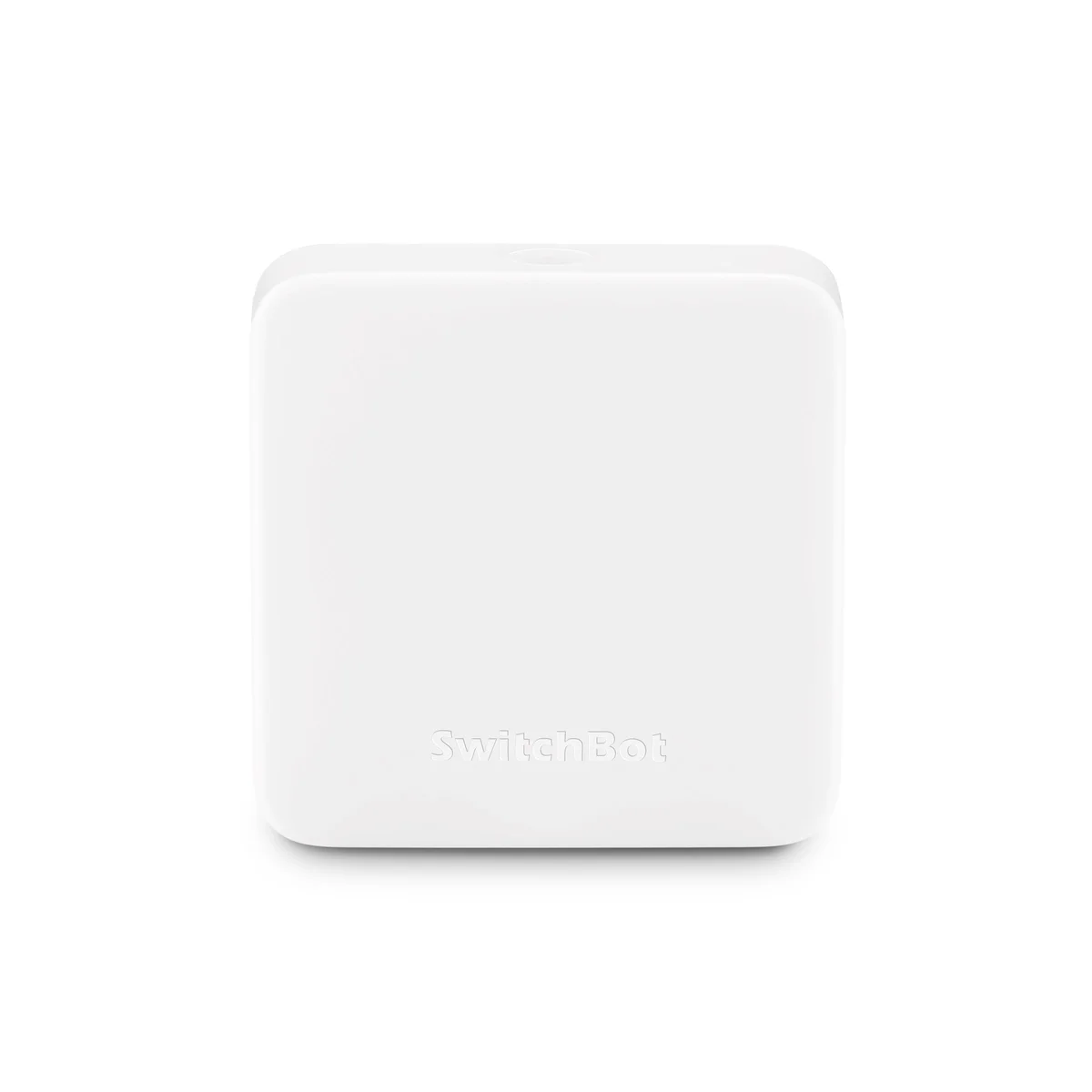
Pair your Zigbee devices to a separate hub that actually has the radio (an Echo with built-in Zigbee support, or a dedicated third-party Zigbee hub), then control everything through the Alexa app and voice through your Echo Show 5 as normal. If your automation needs are mostly IR-based — TV, air conditioner, fan — a SwitchBot Hub Mini Smart Remote (IR Blaster) can bridge those appliances into Alexa over Wi-Fi without needing Zigbee at all.
Why the Echo Show 5 can't run Zigbee
Zigbee is a separate low-power mesh radio standard, distinct from the Wi-Fi and Bluetooth radios that every Echo device carries. To act as a Zigbee hub, a device needs an extra chip tuned to the 2.4GHz Zigbee band plus firmware that runs the Zigbee Coordinator role. Amazon has only ever included that chip in select models: the Echo Show 10 (3rd Gen), Echo Show 15, Echo (4th Gen), and the older Echo Plus. The product listing for the Amazon Echo Show 5 Smart Display (newest model) and the listing for the Amazon Echo Show 5 (2nd Gen) Smart Display both specify Wi-Fi and Bluetooth under connectivity, with nothing about Zigbee or a built-in smart home hub. That absence is the whole story — there is no setting, skill, or software update that adds a radio that isn't physically there.
This matters because a lot of shoppers assume any Echo with a screen is a smart home hub by default. It isn't. The hub capability is tied to specific hardware, not to screen size or price tier, which is why the smaller, cheaper Echo Show 5 misses it while some non-screen Echos (like the Echo 4th Gen) have it.
How to check your own device
If you already own an Echo Show 5 and aren't sure which generation it is, open the Alexa app, go to Devices, tap the Echo & Alexa tab, select your device, and scroll to About. The model line will show either "Echo Show 5" or "Echo Show 5 (2nd Gen)" along with a serial number that starts with a device-specific prefix. Neither generation's spec sheet lists Zigbee, so the answer is the same regardless of which one you have on the shelf.
If you're shopping and want to confirm before buying, check the "Smart Home" or "Connectivity" section of the product listing rather than the marketing copy at the top of the page — Amazon states built-in hub support explicitly for the models that have it (the Echo Show 10 3rd Gen listing calls it out directly), and says nothing for the ones that don't.
What to actually buy instead
If your goal is to control Zigbee locks, bulbs, or sensors through an Echo Show 5 screen, the fix isn't a workaround on the Show 5 itself — it's adding a hub elsewhere in the house. Two practical paths:
- Add an Echo model with built-in Zigbee. Devices like the Echo Show 10 (3rd Gen) include the hub hardware, and once your Zigbee devices are paired to that hub through the Alexa app, you can still give voice commands and see status on your Echo Show 5 — the Show 5 just acts as a second voice/screen endpoint, not the hub itself.
- Add a standalone Zigbee hub from the device manufacturer (many lock and sensor brands sell their own bridge) and link that hub's Alexa skill to your account. Once linked, those devices appear in the Alexa app and respond to Echo Show 5 voice commands exactly like natively-paired ones, because the actual Zigbee traffic never touches the Show 5 — it's cloud-to-cloud from your skill-linked hub to Alexa.
If what you actually need is control over appliances that take an infrared remote — a window AC unit, a ceiling fan, an older TV — the SwitchBot Hub Mini Smart Remote (IR Blaster) solves a different but adjacent problem. It doesn't use Zigbee; it's an IR blaster that connects to your Wi-Fi network and learns your existing remote's codes. Once set up through the SwitchBot app and linked to Alexa, you can tell your Echo Show 5 to turn the AC on or change the fan speed, and the command travels Wi-Fi-to-cloud-to-IR rather than through any mesh radio. It's worth buying specifically for IR appliances, not as a Zigbee substitute — don't expect it to pair with a Zigbee bulb or sensor, because it has no Zigbee radio either.
Setting it up in the right order
To avoid the most common mistake — buying a Zigbee device, trying to pair it straight to the Echo Show 5, and getting stuck at "device not found" — follow this order:
- Confirm which hub (if any) you already have with Zigbee support, using the Alexa app's device list as described above.
- If you don't have one, decide whether you need a general Zigbee hub (for bulbs, locks, sensors) or an IR bridge (for AC/TV/fan) — they solve different problems and aren't interchangeable.
- Set up the hub first, on its own, following its manufacturer instructions, before trying to add any end devices.
- Pair your Zigbee or IR devices to that hub, not to the Echo Show 5.
- Only then open the Alexa app and confirm the new devices show up under Smart Home > Devices. At that point your Echo Show 5 can control them by voice or touch, same as any other Alexa-linked device.
Also on the bench
Worth comparing against:
- Does Aqara P1 Need a Hub? Yes — With One Caveat Worth Knowing
- Wyze Cam without Subscription — What Actually Works
- Kasa HS220 Neutral Wire Required? Yes — With One Caveat Worth Knowing
- Wyze Cam v3 vs v4 — Every Spec Difference That Actually Matters
- Kasa HS220 vs KS220 — Every Spec Difference That Actually Matters
Common questions
Does any Echo Show model have Zigbee built in? Yes — the Echo Show 10 (3rd Gen) and Echo Show 15 are both documented with built-in smart home hub support for Zigbee. The Echo Show 5 line (2nd Gen and newest model) is not.
Will a software update ever add Zigbee to the Echo Show 5? No. Zigbee requires a physical radio chip that isn't present in the Show 5's hardware, so this can't be added through a firmware or software update.
Can I still use Zigbee devices in the same house as an Echo Show 5? Yes — pair them to a separate Zigbee-capable hub (another Echo model or a third-party bridge), link that hub to Alexa, and your Echo Show 5 will control them through the Alexa app and voice commands like any other smart home device, since the radio communication happens on the hub, not the Show 5.
Is the SwitchBot Hub Mini a Zigbee hub? No. It's an IR blaster that connects over Wi-Fi and is meant for appliances that take an infrared remote. It doesn't add Zigbee compatibility to anything, including the Echo Show 5.