How to Tell If Someone Opened Your Door (Without a Camera)
As an Amazon Associate we earn from qualifying purchases made through links on this page — it doesn't affect what we score, or how. How this works
 Scored
To know whether someone opened your door, put a contact sensor on it, make sure something in your home can receive its signal, and turn notifications on with a rule that only alerts you when it matters. The Aqara Door and Window Sensor P2 is a sensible choice if you already use Apple Home, Google Home or Alexa with a Thread border router, because it joins those apps directly through Matter. If you have no border router yet, factor one into the plan before you buy the sensor, and expect Aqara's own app features to depend on its Hub M3. Either way, the sensor answers the question you actually asked, open or closed, every time the door moves, without the blind spots and noise of a camera.
If you want to know whether someone opened a door while you were out, the most reliable answer is not a camera. It is a contact sensor: a two-piece device that notices the exact moment a door leaves its frame and tells your phone. Cameras show you who was there, but they miss doors outside their field of view, they need power and bandwidth, and scrubbing through clips to find one door opening is slow. A contact sensor answers one question, open or closed, and it answers it every time.
This guide explains how to set one up so the answer actually reaches you, which parts you need besides the sensor itself, and where a contact sensor stops being enough. The product we point to is the Aqara Door and Window Sensor P2, because it is a current, widely sold sensor that speaks Matter, but the setup logic applies to most contact sensors.
How a contact sensor knows a door opened
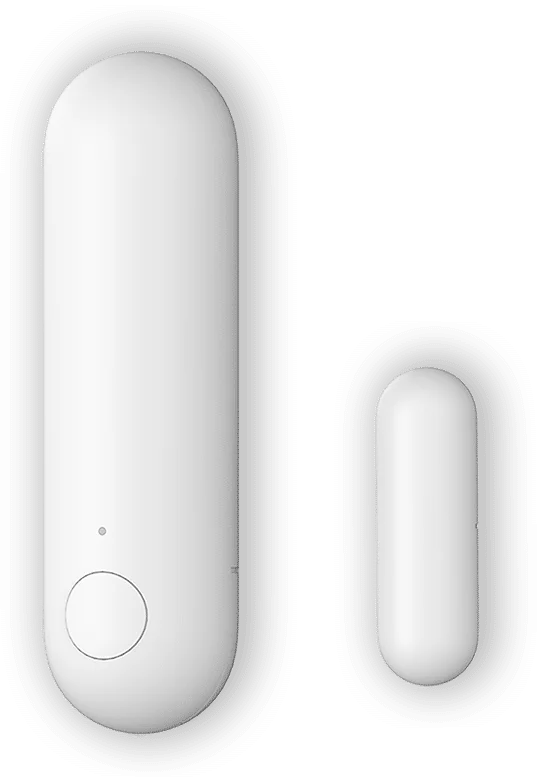
Every contact sensor works the same basic way. One half, the larger body, holds a magnetic switch, a radio and a battery. The other half is just a magnet. You mount the body on the door frame and the magnet on the door, close together. When the door swings open, the magnet moves away, the switch changes state, and the sensor sends a single small message: open. When the door closes, it sends: closed.
That simplicity is the whole appeal. There is no image processing, no motion guessing and no field of view to aim. A sensor on a front door reports that front door, nothing else, which means you get very few false alarms. A breeze, a pet or a passing car will not trigger it. The only thing that triggers it is the door moving.
Because the message is tiny, the battery lasts a long time. Aqara says it runs on a CR123A battery, a common lithium cell you can buy at most hardware stores. Battery life depends on how busy the door is and on what the sensor connects to, so a back door that opens twice a day will outlast a busy front door.
The part people miss: what the sensor talks to
A contact sensor does not connect to your Wi-Fi router directly. It uses a low-power radio, and something in your home has to receive that radio and pass the message on to your phone. Skipping this step is the most common reason a new sensor "doesn't work".
The P2 uses Thread, a low-power mesh radio, and Matter, the shared standard that lets one device work with Apple Home, Google Home, Amazon Alexa and others. Aqara is explicit that a Matter-compatible Thread Border Router is required. A border router is the box that bridges Thread devices to the rest of your network. You may already own one: Aqara lists the Apple TV 4K (3rd gen, 128 GB) as one example of a device that acts as both a Matter controller and a Thread border router, and it names the Echo (4th generation) in the same role for Alexa.
So before buying, check what you already have:
- If you use Apple Home and own a recent Apple TV 4K or HomePod mini, you very likely have a border router already.
- If you use Alexa and own a 4th-generation Echo, the same is likely true.
- If you own none of these, budget for a hub or border router as part of the project, not as an afterthought.
This is the same lesson that comes up with other Aqara sensors. If you are weighing an older Zigbee model instead, our explainer on whether the Aqara P1 motion sensor needs a hub walks through how hub requirements differ between Aqara's Zigbee and Thread lines.
One caveat applies to the Aqara app specifically. According to Aqara, the Aqara Home support for the Door and Window Sensor P2 will only be available after the launch of the Hub M3. In practice that means you set the P2 up through the Matter app you already use, such as Apple Home or Alexa, rather than through Aqara's own app, unless you also own that hub.
Step by step: getting an alert when the door opens
Once the border router question is settled, setup follows the same pattern in every Matter app.
- Add the sensor as a Matter accessory. Open your home app, choose to add a device, and scan the Matter setup code that comes with the sensor. The app handles the pairing over Thread.
- Mount it on the door, not the wall next to it. The body goes on the fixed frame and the magnet goes on the moving door, aligned and close together. Aqara includes a thinner magnet plate for doors where the standard magnet does not fit, and the adhesive pads mean you do not need to drill.
- Test the open and closed states. Open and close the door a few times and watch the status change in the app. If it lags or misses, move the magnet closer to the body.
- Turn on notifications for that sensor. This is the step that actually answers the question. Aqara describes the goal as real-time notifications on your smartphone whenever the sensor detects activity, but most home apps leave notifications off by default for new accessories, so switch them on.
- Decide when you want alerts. A notification every time anyone in the household walks through the front door gets ignored within a week. Most apps let you limit alerts to when nobody is home, or to certain hours.
That last step matters more than any hardware choice. A sensor that alerts constantly trains you to swipe the alert away, which defeats the purpose of knowing whether someone opened the door.
Making the alert smarter
Once the basic alert works, a few small automations make the setup far more useful than a plain open/closed log.
Only alert when you are away. Most platforms can combine a sensor with your phone's location. "If the front door opens and nobody is home, notify me" is the single most useful rule for this job.
Keep a history. Apple Home, Alexa and Google Home all keep an activity record for contact sensors. If you only want to check later whether a door was opened, the history answers that without any notifications at all.
Add sensitivity control later. Aqara notes that sensitivity can be tuned within a range of 1-3 cm, which helps on doors that rattle in their frame or windows that sit slightly ajar. Like the Aqara app support, that setting arrives with Aqara's own hub.
Pair it with a light. A door sensor that turns on a hallway light when the door opens at night is useful on its own and makes an unexpected entry obvious to anyone home.
Watch for tampering. Aqara lists a tamper alarm among the features coming to the P2, meant to warn you if someone tries to remove or interfere with the sensor itself.
Beyond the front door
The same sensor answers several related questions that people often search for separately:
- Did someone open a cabinet, safe or drawer? Aqara itself suggests putting the P2 on a safe box so the owner gets an alert if it is opened. The same works for a medicine cabinet or a drawer with documents in it.
- Was a window left open? A sensor on a window can remind you before you leave, or pause the heating while it is open.
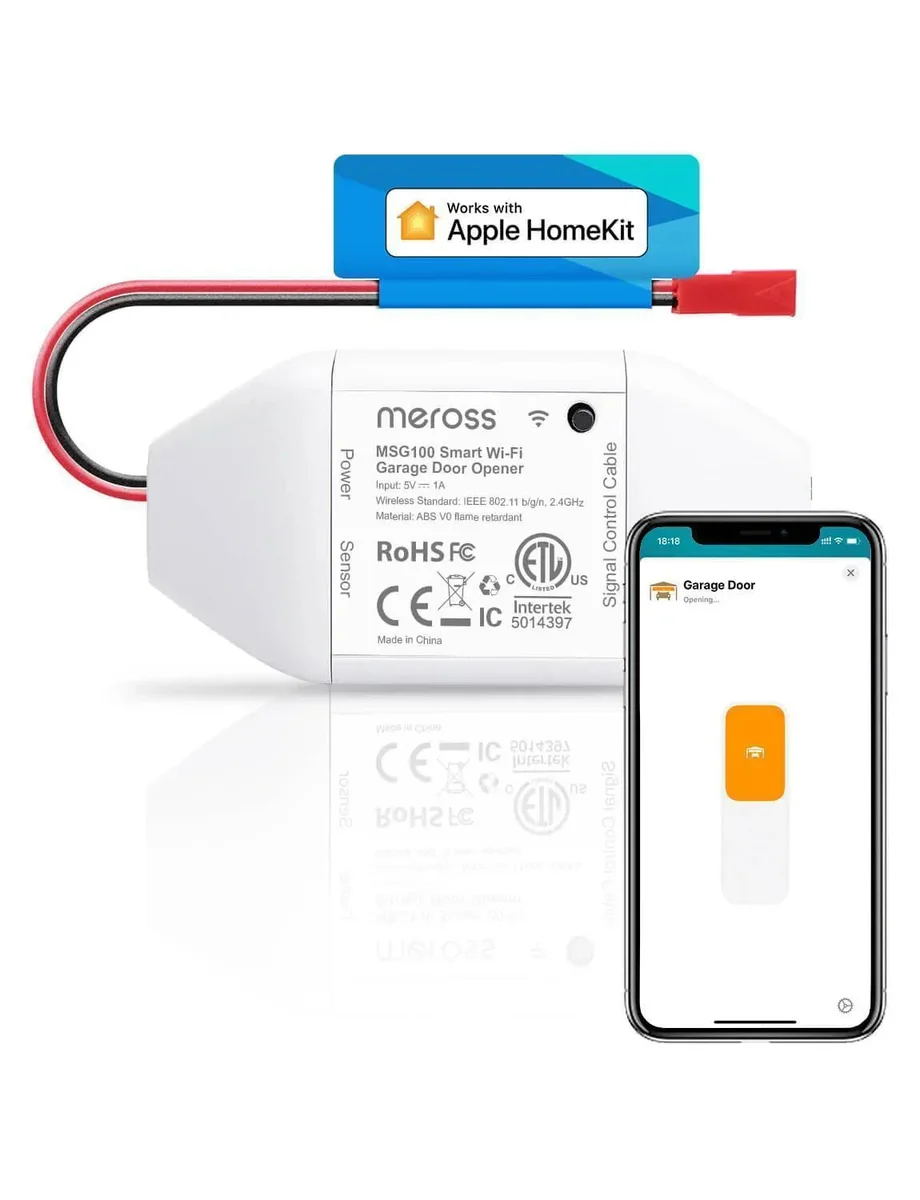
- Was the garage left open? For garage doors specifically, a dedicated opener with its own status sensor is usually a better fit. The Meross smart garage door opener is built for exactly that job.
When a contact sensor is not enough
A contact sensor tells you that a door opened. It does not tell you who opened it, and that is the right limit to know before you buy.
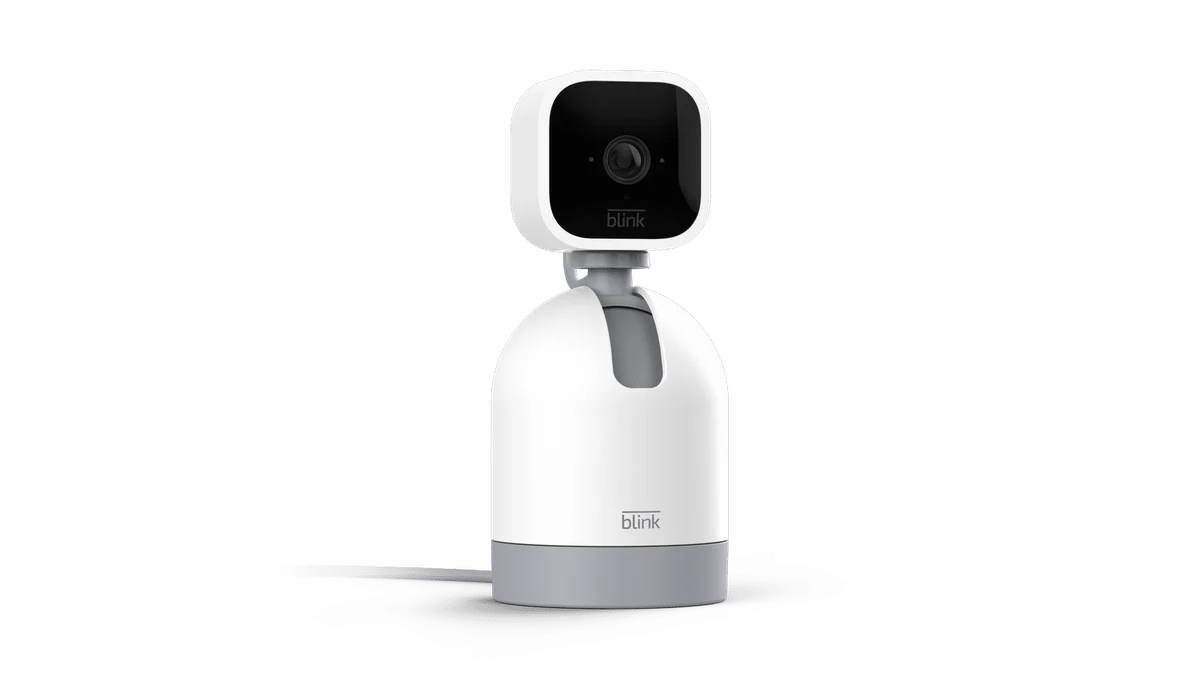
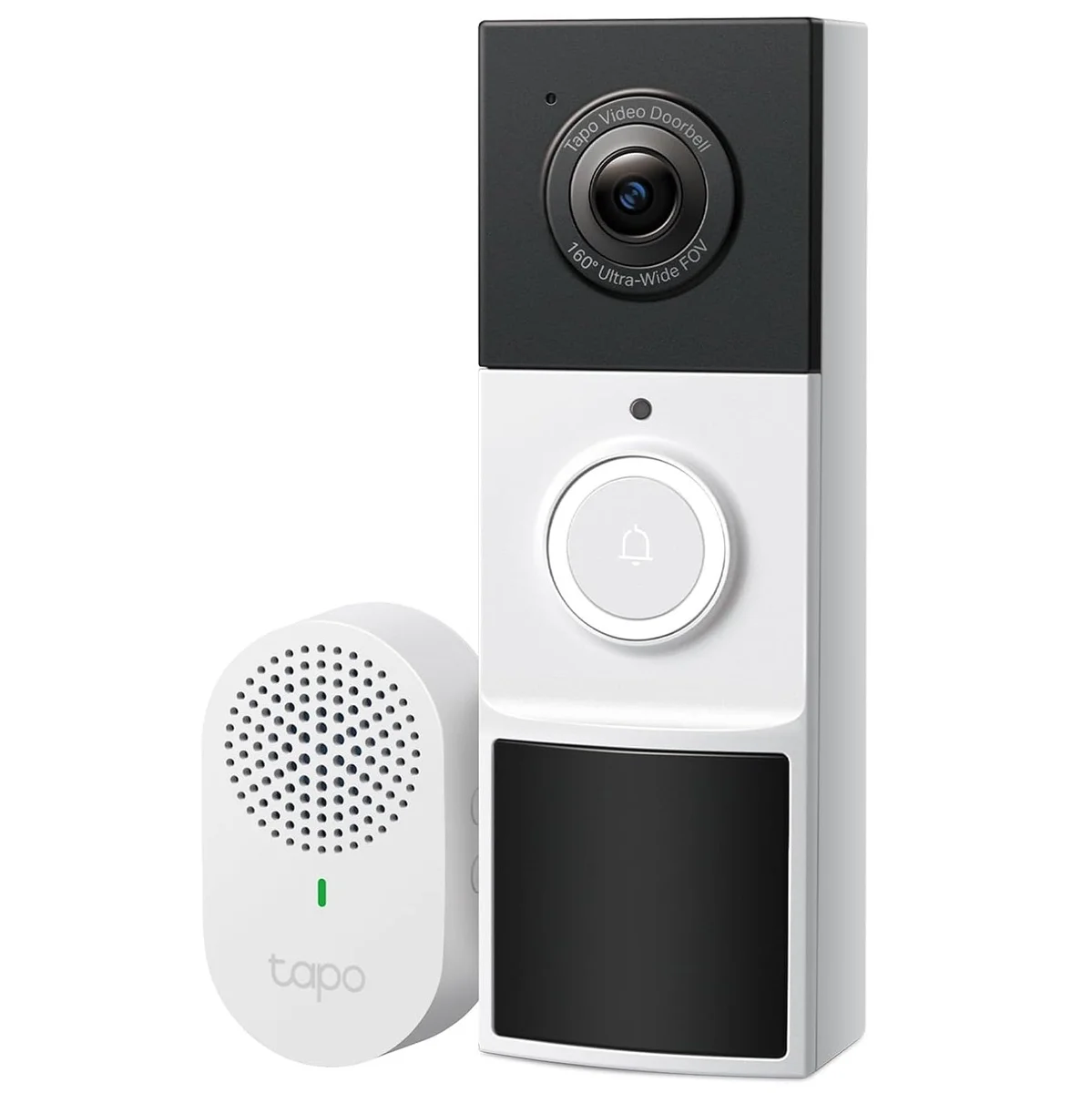
If you need to see who came in, pair the sensor with a camera or a video doorbell. The sensor is still useful there, because it can be the trigger that tells you which clip to watch. A doorbell such as the Tapo D210 battery video doorbell covers the front step, while the contact sensor covers the moment the door itself moves.
If you want to know who unlocked the door rather than who opened it, a smart lock keeps its own access log. Locks like the Wyze Auto-Lock Bolt v2 fingerprint lock record each unlock, which answers a different question from the door sensor: who had access, not just whether the door moved.
If what you really want to know is whether someone is in a room, rather than whether they came through a door, a presence sensor is the better tool. Our page on the Aqara FP2 presence sensor covers that use, and the two work well together: the door sensor marks the entry, the presence sensor confirms someone is still there.