Logitech MX Anywhere 3S Wireless Mouse: A Small Upgrade That Actually Matters
As an Amazon Associate we earn from qualifying purchases made through links on this page — it doesn't affect what we recommend, or why. How this works
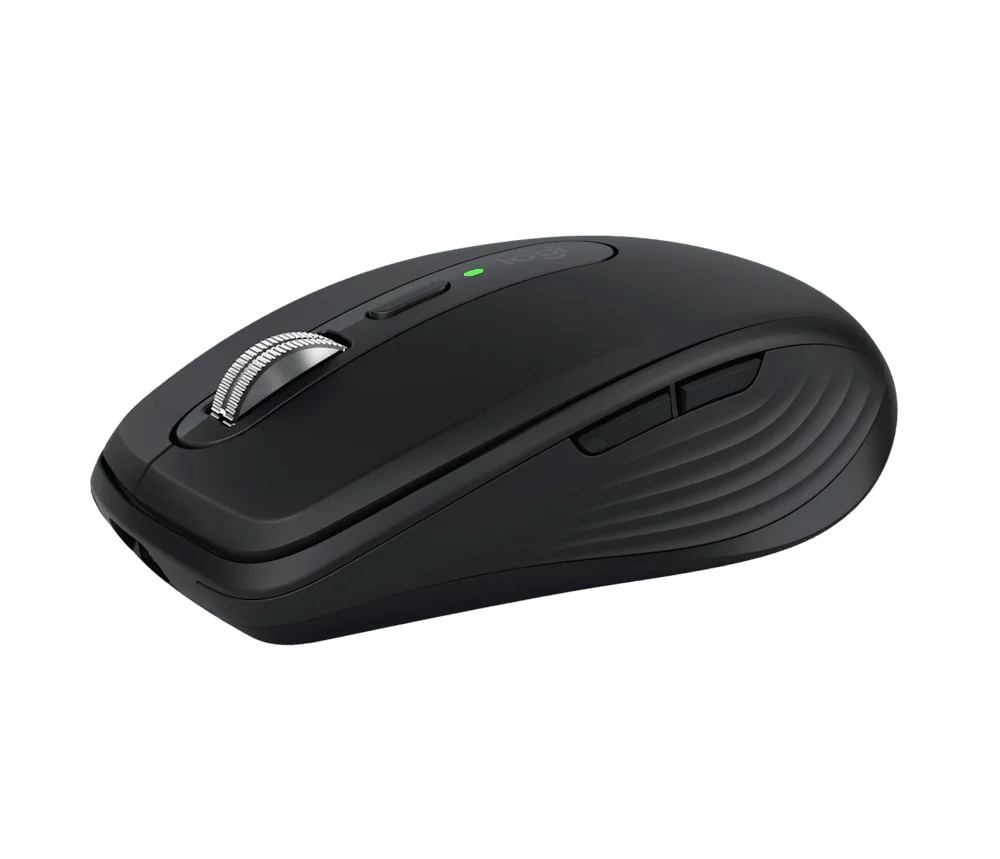
At just under $80, the MX Anywhere 3S lands squarely in "worth it" territory for desk accessories — not the cheapest mouse you can buy, but priced fairly for what it delivers. The glass-tracking sensor and silent clicks aren't gimmicks; they fix real, everyday annoyances you didn't realize you'd tolerated. If your current mouse is the bare-minimum one that came bundled with something else, this is the upgrade to make — well-reviewed, sensibly priced, and built for how people actually work now.
If you want a mouse that keeps up with a mobile work life without the compromises, check current pricing and availability here: View it on Amazon
Pros
- Tracks reliably on almost any surface, including glass
- Quiet clicks are a genuine quality-of-life improvement
- Fast charging means you're rarely caught with a dead mouse
- Comfortable for a compact size, doesn't feel cramped after long sessions
Cons
- Smaller shape may not suit larger hands or a palm-grip preference
- Fewer buttons than the larger MX Master models — no thumb-side scroll wheel
- Bluetooth pairing can be fiddly on first setup
Your mouse is probably the worst piece of gear on your desk — and you've never once thought about it. If you spend hours a day clicking around on a laptop and you're tired of that mouse feeling like an afterthought, the MX Anywhere 3S deserves a look. It's a compact wireless mouse built for people who work from cafes, kitchen tables, and airplane trays as much as actual desks, priced right in the middle of what a genuinely good desk accessory should cost — not a budget throwaway, not a luxury flex.
What It Is
The MX Anywhere 3S is Logitech's small-footprint wireless mouse, part of the MX productivity line. Think of it as the travel-friendly sibling to the larger MX Master series: same core tech, smaller shape, easier to toss in a bag. It connects via Bluetooth or Logitech's USB receiver, charges over USB-C, and is built on a simple premise — a mouse shouldn't need a mousepad, or even a proper desk, to work well.
Who It's For
This one makes the most sense for:
- Hybrid and remote workers who move between home, office, and coffee shops
- Laptop-first users who want a proper mouse without carrying a mousepad
- Anyone annoyed by loud clicking in shared spaces (libraries, open offices, calls)
- People who've been burned by cheap wireless mice that lag, die fast, or feel flimsy
It's less exciting if you're a competitive gamer or need a mouse loaded with programmable buttons — this is a productivity tool, not a gaming rig.
Key Features & Specs
- Works on glass: The sensor is tuned to track on glass surfaces (up to 8mm) — a bigger deal than it sounds if you've ever fought a mouse on a glass desk or tabletop
- Silent clicks: Noticeably quieter than a standard mouse, good for calls and shared spaces
- USB-C quick charge: A minute of charging gets you a few hours of use; a full charge lasts weeks
- Cross-computer flow: Pairs with multiple devices and switches between them
Also on the bench
If you're weighing alternatives:
- Elgato Key Light — Who It's For, and Who Should Skip It
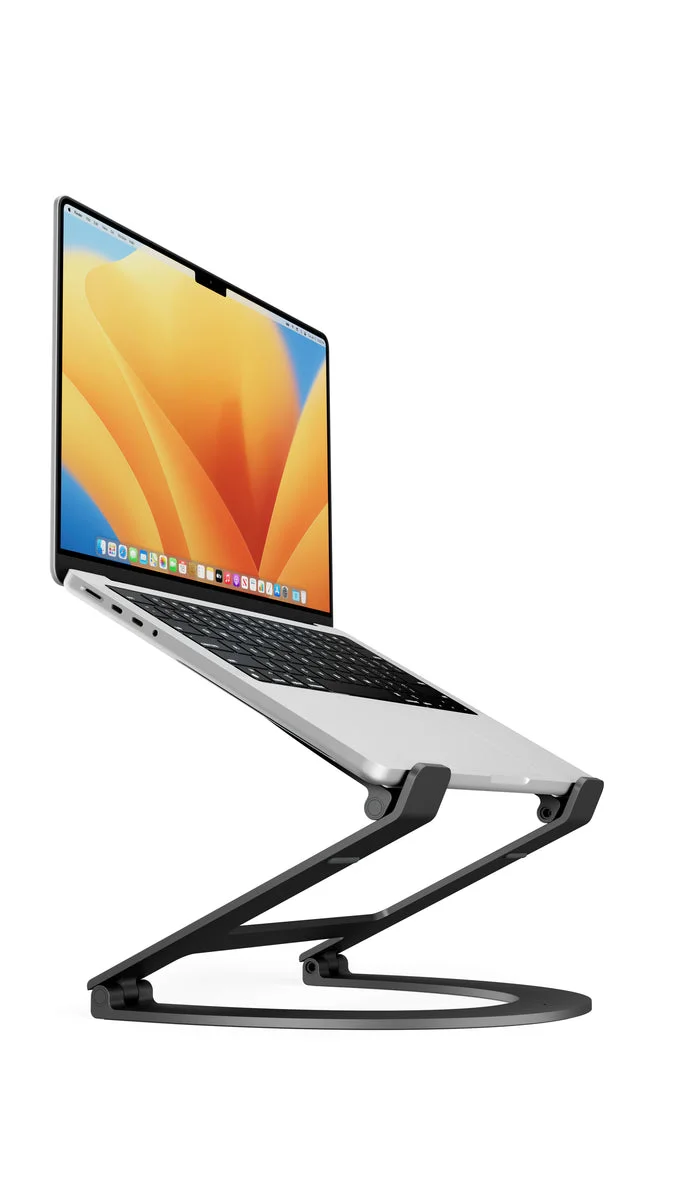
- Laptop Stand for Desk — What Actually Works
- Elgato Facecam Neo — A Solid 1080p Webcam Without the Frills
- NIIMBOT D110 Bluetooth Label Maker — A Tiny Printer That Might Actually Fix Your Clutter Problem
- Keychron C3 Pro TKL Mechanical Keyboard — A Budget Mechanical That Doesn't Feel Budget