Elgato Key Light Review: Who It's For, and Who Should Skip It
As an Amazon Associate we earn from qualifying purchases made through links on this page — it doesn't affect what we score, or how. How this works
The verdict
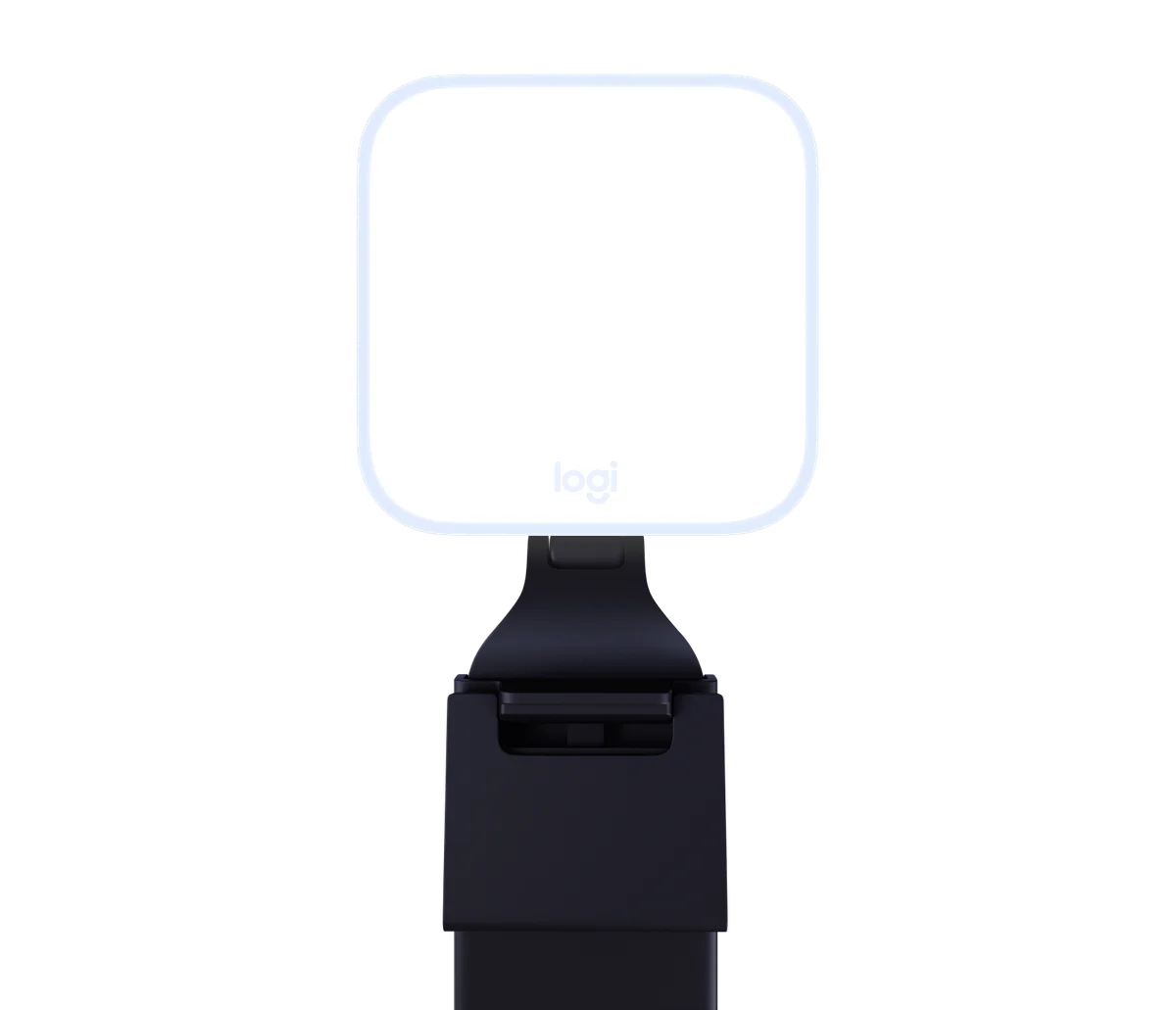
Elgato Key Light is a full-sized, edge-lit LED panel built for studio-grade video lighting rather than a quick webcam fill light. It's bright, controllable from PC, Mac, phone, or Stream Deck, and built on a steel telescoping pole — but it needs a wall outlet and real desk space, so check your setup before buying.
Buy it if
Streamers, podcasters, or remote workers who want a dedicated, adjustable light source they control from Control Center, their phone, or a Stream Deck, and who have desk space and an outlet for the full-sized clamp-and-pole mount.
Skip it if
Skip it if you need something portable or powered off USB-C — the standard Key Light uses a wall power supply, not USB-C Power Delivery, and its pole needs 55-125 cm of clearance plus a desk edge up to 6 cm thick.
The specs that matter
| Brightness | 2,800 lumens source |
|---|---|
| Color range | 2900-7000 K source |
| CRI | > 94% source |
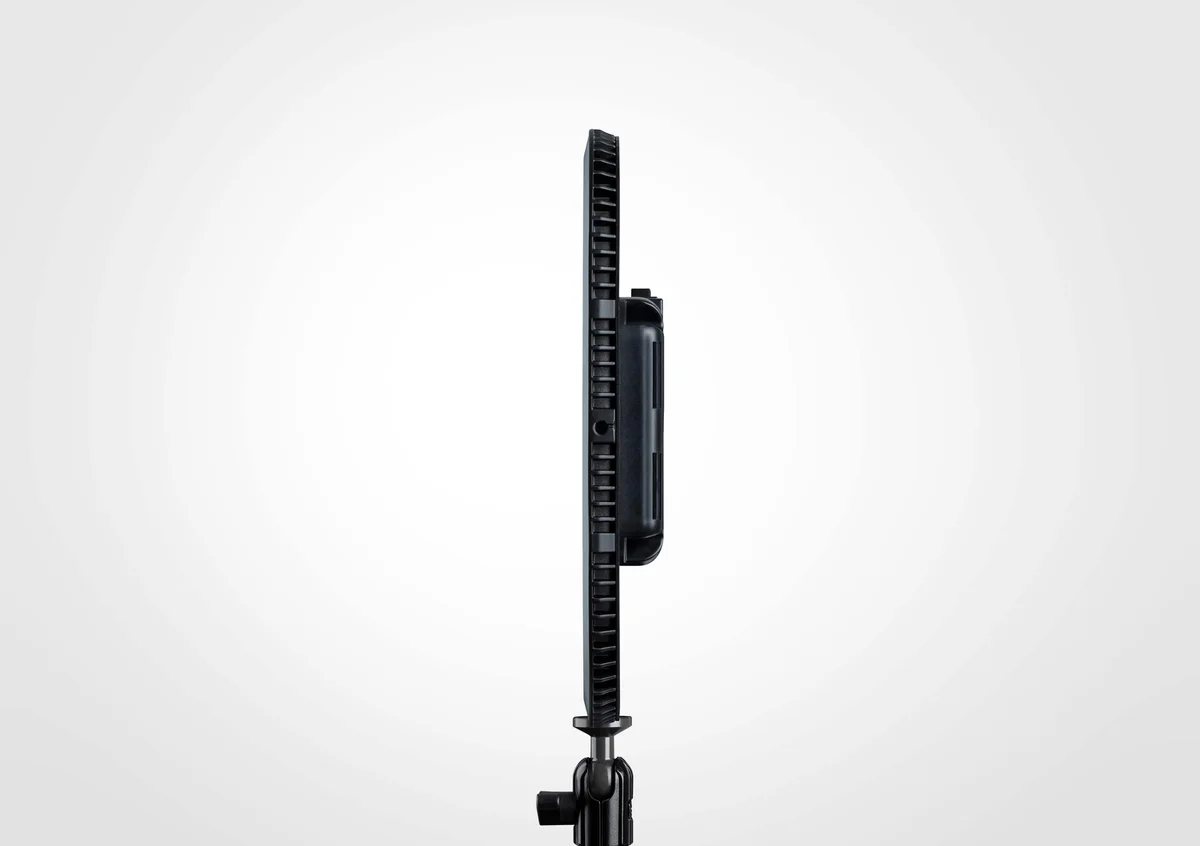
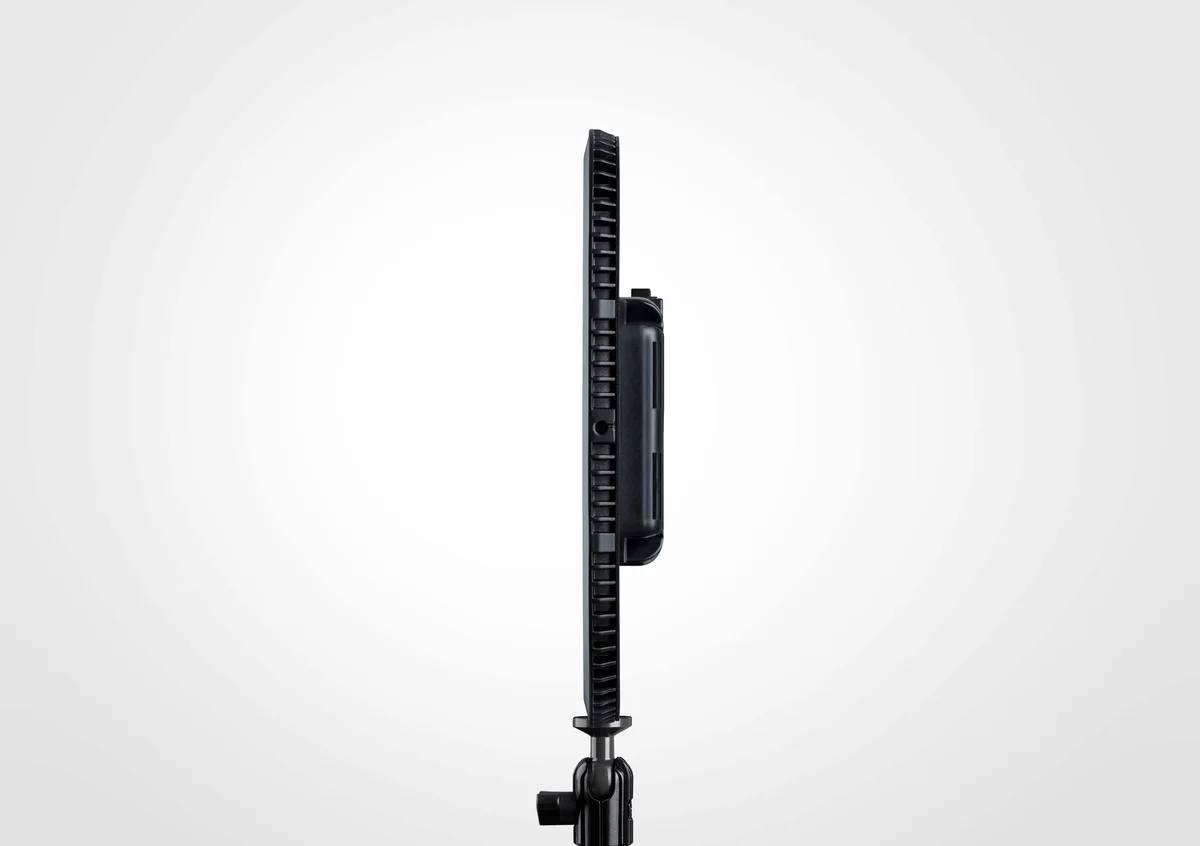
| Panel thickness | Only 35 mm thin source |
| Pole height range | Minimum 55 cm / 22 in, Maximum 125 cm / 49 in (90 cm / 35 in recommended) source |
| Max pole load | 2 kg / 4.5 lbs source |
| Desk clamp capacity | Padded and expandable up to 6 cm / 2.35 in source |
| Box contents | Elgato Key Light, Master Mount L, Power Supply, Quick Start Guide, Cable Clips source |
| LED design | 160 LEDs hidden from direct view, edge-lit architecture source |
What it does well
- 2,800 lumens of brightness, the highest in Elgato's Key Light lineup
- Edge-lit design with 160 hidden LEDs for soft, indirect, eye-comfortable light
- Controllable via Control Center on PC/Mac, iOS/Android, or Stream Deck
- Steel pole extends from 55 cm to 125 cm with a padded desk clamp up to 6 cm thick
Where it falls short
- Only 35 mm thin but still requires a full pole-and-clamp mount, unlike the monitor-mounted Key Light Neo
- Pole can shake when fully extended, per Elgato's own quick start guide
- Wi-Fi connection needed only for initial pairing, which can trip up PCs without built-in Wi-Fi
- Can become hot during prolonged use and needs clear ventilation holes
 Scored
Setup and what's in the box
Elgato Key Light ships as a complete kit: the light panel itself, a Master Mount L pole-and-clamp assembly, a power supply, a quick start guide, and cable clips. Setup follows a fixed sequence. First, screw the panel directly onto the pole via the integrated socket and screw, then extend the pole to your preferred height and rotate the mounting screw to secure the panel to the top. The light head tilts independently so you can fine-tune the angle once it's mounted. A non-slip rubber washer is included for mounting a camera or camcorder on the same pole, but Elgato recommends removing it when mounting Key Light itself.
The desk clamp opens to grip the edge of a desk up to 6 cm (2.35 in) thick, and it's padded to avoid marking the surface. Once clamped, a ratchet mechanism lets you reposition the handle without loosening the clamp — just push the button to reset the ratchet position after tightening. The pole extends between 55 cm (22 in) minimum and 125 cm (49 in) maximum, though Elgato recommends settling around 90 cm (35 in) for most desks; it's worth noting the pole can shake when fully extended, and the rated maximum load is 2 kg (4.5 lbs), so don't hang anything extra off it.
Power comes from a wall-connected supply rather than USB-C — plug the adapter into an outlet and run the cable into the back of the panel. A three-position switch on the unit handles ON, OFF, and RESET. For software setup, download Control Center, switch the light on (it takes about 15 seconds to boot), then launch Control Center and pair the light using the + icon. Wi-Fi is only needed for that initial pairing step — once Key Light has joined your network, you can control it from any Mac or Windows PC on the same network without needing Wi-Fi hardware in the computer itself. If your desktop has no Wi-Fi adapter, the Control Center mobile app for iOS or Android can complete the initial pairing instead.
What the specs mean in practice
The headline figure is brightness: 2,800 lumens, which is the highest output across Elgato's current Key Light lineup. That number matters most for larger rooms, multi-camera setups, or anyone shooting in a space with ambient light competing for attention.
The edge-lit architecture is the detail that separates Key Light from a simple LED array. Rather than aiming 160 LEDs directly at your face, they're hidden from direct view and the light is bounced and diffused — Elgato's design uses a photographic reflector for even distribution without glare, a precision scatter plate to eliminate hot spots, a double-layer diffuser for extra softness, and an opal glass front. The practical result is light that's described as soft enough to be certified for eye comfort, which matters if you're sitting in front of it for long recording or streaming sessions.
Physically, the panel itself is only 35 mm thin with steel construction, which keeps it compact relative to how much light it throws. Mounting is flexible: a ball mount and four 1/4-inch threads sit on all four edges of the panel, so it can be positioned conventionally, mounted vertically in a tight corner, or adapted to other rigs beyond the included pole.
Control options are genuinely multi-platform. Control Center on PC or Mac lets you adjust settings while watching how you look on screen. The same app on Android or iOS lets you make adjustments from anywhere in a studio, which is useful if the light is mounted somewhere you're not sitting. For anyone already running a Stream Deck, a plugin lets you press keys or turn a dial to adjust Key Light as part of a broader streaming workflow, which is a meaningfully different control style than reaching for a phone app mid-recording.
How it compares within Elgato's own lineup
Elgato sells three lights under the Key Light name, and the differences are mostly about size, mounting style, and power source rather than light quality. Key Light is the full-sized panel aimed at studio production, rated at 2,800 lumens and powered through a wall adapter via the pole-and-clamp Master Mount.
Key Light Air MK.2 is a mid-sized panel that tops out around 2,100 lumens, and that figure depends on the power source — it runs on USB-C Power Delivery, with a 30 W or higher supply required to hit maximum brightness, and brightness scaling down with lower wattage. It also adds touch controls directly on the front panel (brightness and color temperature buttons, plus two favorite-preset buttons), something the standard Key Light doesn't have. Its clamp mount is similarly sized, fitting desks up to 6 cm thick, but the pole only extends from 60 cm to 88 cm, a notably shorter range than the full Key Light.
Key Light Neo is the smallest option, designed to mount directly onto a monitor with a sticky, residue-free adhesive base rather than a desk clamp. Its brightness is the most variable of the three: around 400 lumens over a USB-A computer port, about 700 lumens over USB-C, or up to roughly 1,000 lumens with an external 5V/3A power supply. It also includes a physical dial for brightness and color temperature plus a preset button, aimed at people who want hardware control without opening an app every time.
Pairing it with the rest of a desk setup
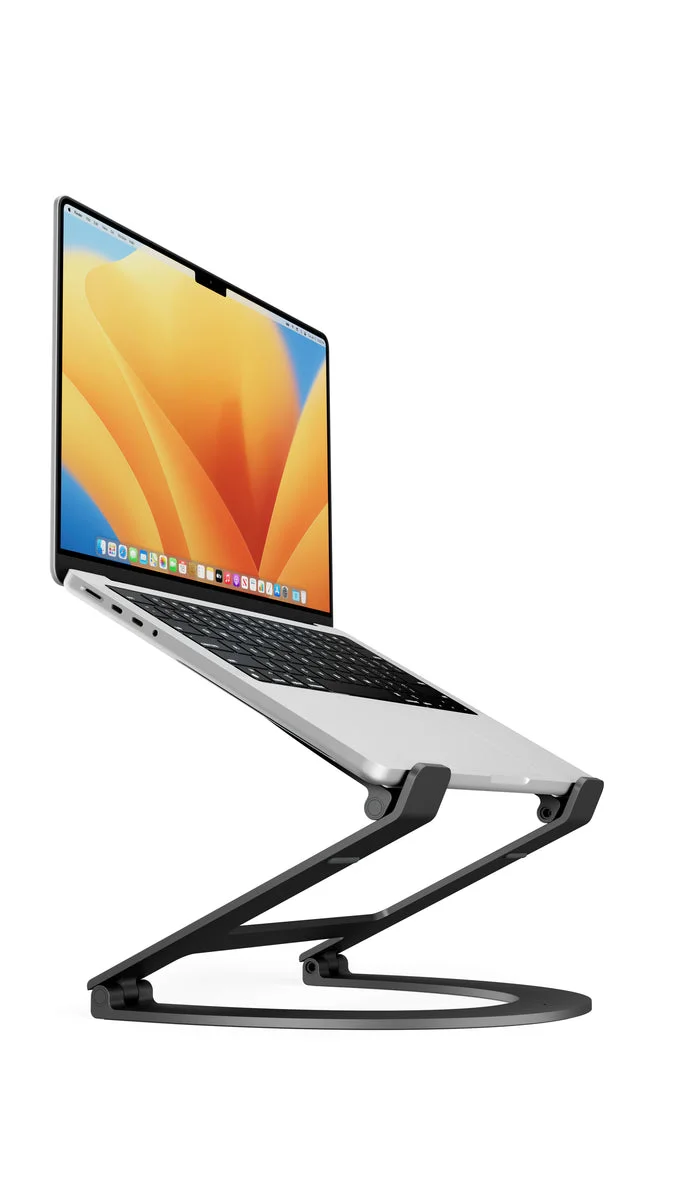
Key Light is a standalone light, so it doesn't replace a webcam — pairing it with something like Elgato Facecam Neo is a natural next step for anyone building out a video setup around it. If the pole-and-clamp footprint feels like too much for a crowded desk, a Quntis Monitor Light Bar is worth considering as a lower-profile alternative for general screen lighting rather than on-camera presentation. And since Key Light's pole needs genuine clearance to extend to its recommended 90 cm height, it's worth checking how much desk space is actually free — something a Laptop Stand for Desk can help reclaim by lifting a laptop off the primary work surface.
Also on the bench
Same category, worth a look:
- Laptop Stand for Desk — What Actually Works
- Elgato Facecam Neo — A Solid 1080p Webcam Without the Frills
- NIIMBOT D110 Bluetooth Label Maker — A Tiny Printer That Might Actually Fix Your Clutter Problem
- Keychron C3 Pro TKL Mechanical Keyboard — A Budget Mechanical That Doesn't Feel Budget
- Lamicall Adjustable Desk Phone Stand — A Simple Fix for a Common Problem
Common questions
Does Key Light need Wi-Fi all the time? No — Wi-Fi is only required for initial pairing in Control Center. Once it's added to your network, control works over the network itself from any Mac or Windows PC.
Can I mount a camera on the same pole? Yes, a non-slip rubber washer is included for mounting a camera or camcorder, though Elgato recommends removing that washer when mounting the Key Light panel itself.
What happens if I extend the pole all the way? The pole can extend to 125 cm, but Elgato notes it's normal for the pole to shake at full extension, and recommends settling around 90 cm for most setups. The rated maximum load on the pole is 2 kg.
How do I factory reset it? Power off the unit, then push and hold the RESET button for at least 10 seconds until the light flashes three times. This restores factory settings and clears any saved Wi-Fi credentials.