How to Know When Kid Got Home from School: What Actually Works
As an Amazon Associate we earn from qualifying purchases made through links on this page — it doesn't affect what we recommend, or why. How this works
The problem
You want to know the second your kid walks in the front door after school, not find out an hour later by text or by checking a map yourself.
What’s actually going on
Most of the frustration here comes from mixing up two different kinds of devices. A phone that's signed into a location service (Apple's Find My for a person, or a service like Life360) can push you a real-time 'arrived at Home' alert because it uses the phone's own GPS and cellular connection. An item tracker like an AirTag or a Tile is built to find lost objects, not to report a person's arrival the instant it happens - it depends on Bluetooth range and on other nearby devices spotting it, so it can lag or stay silent depending on what's around it.
The fix
If your child carries a phone, the fix is free and takes about two minutes: turn on arrival/departure notifications for that person, not for an object. On an iPhone this is done inside the Find My app under the person's name, where you can set a notification tied to your Home address for when they arrive or leave, using the phone's own location services rather than a tag's Bluetooth signal, according to Apple's Find My documentation.
If the phone is Android, or you already use Life360 for the family circle, the equivalent is the app's 'Places' feature: add Home as a saved place and switch on arrival/leaving alerts for that person's circle entry.
Only if your child does not carry a phone does an item tracker become relevant, and even then it's a fallback, not a true live alert - more on what to expect from that further down.
What we’d use
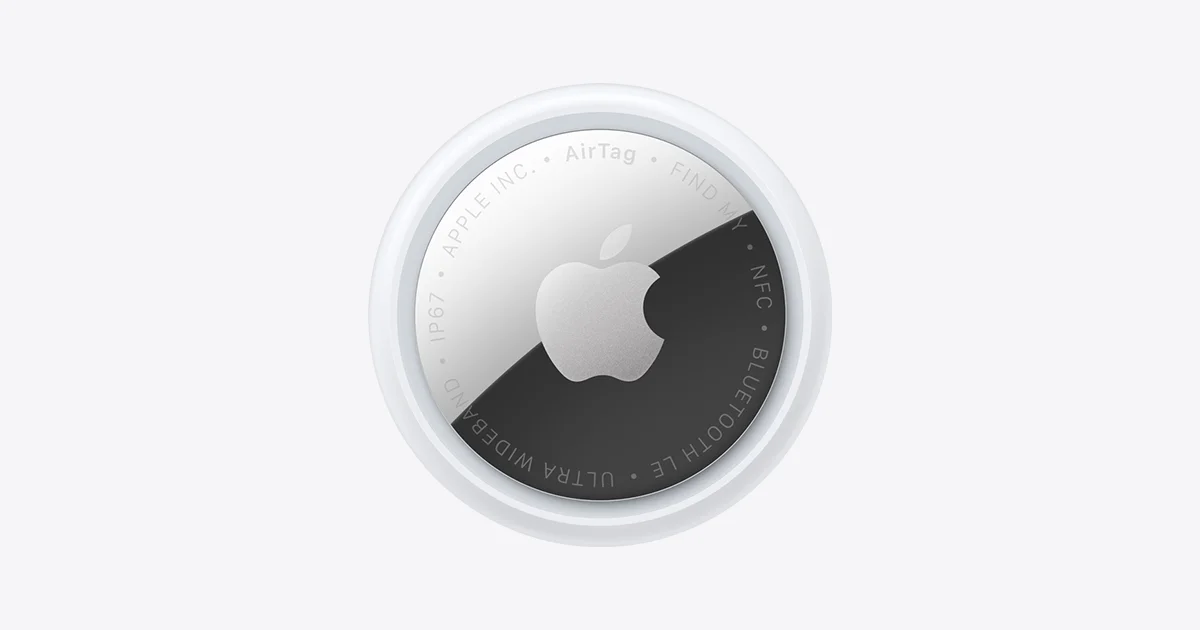
Why a Bluetooth tag can't promise 'the second they're home'
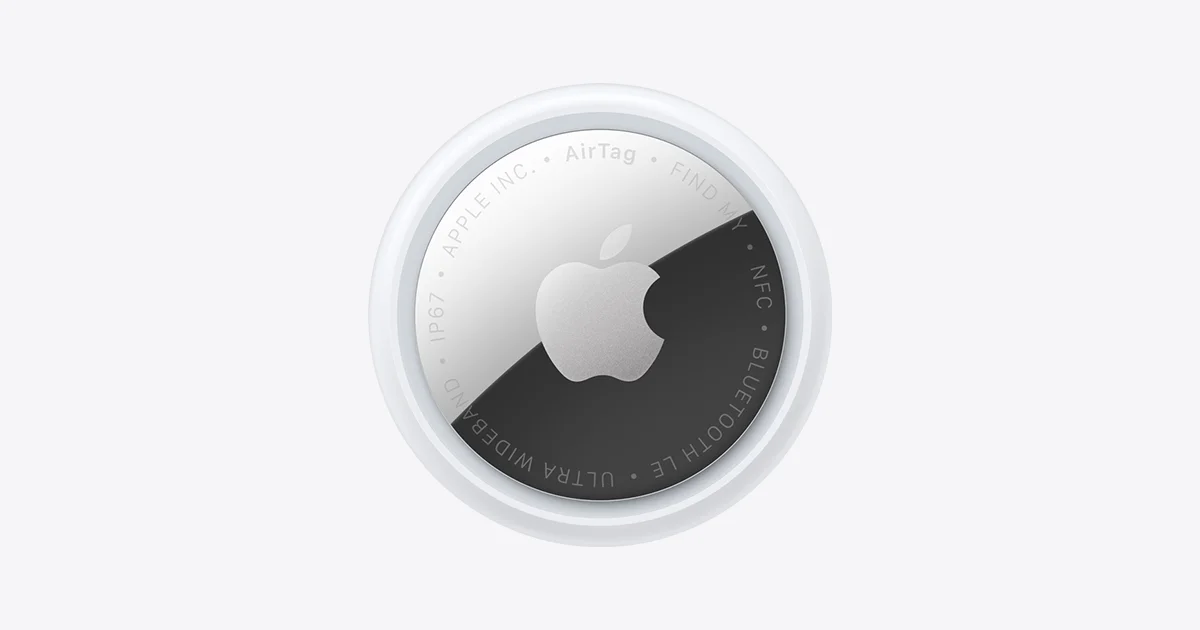
Apple's own documentation is clear that AirTag has no GPS or cellular radio of its own. It reports its position by broadcasting a Bluetooth signal that gets picked up by whichever iPhone, iPad, or other Apple device happens to be nearby and signed into the Find My network, and that device relays the location back to you (support.apple.com/en-us/HT212156, apple.com/airtag). That's a genuinely clever system for finding a lost backpack in a lost-and-found bin, but it means an AirTag sitting in a backpack only 'checks in' when it passes close enough to some other Apple device - your own phone, a neighbor's, a passing car with CarPlay, whatever's around. There is no built-in setting that pings you the instant it crosses your doorway.
Tile Mate (2022) works on a similar principle: its product page describes Bluetooth-range connectivity to the Tile app on a paired phone, with the wider Tile network able to help locate it through other users' phones when it's out of your own phone's Bluetooth range (tile.com/products/tile-mate, tile.com/how-it-works). Same limitation, different brand - it's a 'find this object' tool, not a 'notify me this person arrived' tool.
The free fix: turn on arrival notifications you already have
If your child has their own phone, you almost certainly don't need to buy anything. Apple's Find My app lets you set a notification tied to a person (not an item) that fires when they arrive at or leave a saved location, using the live location services on their own phone rather than a secondhand Bluetooth detection (support.apple.com/en-us/104976, support.apple.com/en-us/HT210400). Set the location to Home, and you get a push notification timed to when their phone's GPS/cellular location actually crosses that geofence - which is the real-time confirmation most parents are actually after.
On Android, or in a mixed-phone household, Life360's Places feature does the equivalent job: you save Home as a Place inside the family circle, and members get notified when someone in the circle arrives or leaves it (life360.com/how-it-works). This is the same category of feature as Find My's arrival alerts, just running on a different platform.
When an AirTag or Tile Mate actually helps
The honest case for an item tracker is narrow: your child doesn't carry a phone, or carries one that's frequently off, dead, or left in a locker. In that situation, clipping an Apple AirTag (2nd Generation) or a Tile Mate (2022) to a backpack gives you a 'last known location' signal that's better than nothing, but it is not the same thing as an arrival alert. Expect delay and gaps, especially walking through areas with few other Apple devices or Tile app users nearby to relay the signal, since both systems depend on that crowdsourced detection rather than constant GPS tracking (support.apple.com/en-us/HT212156, tile.com/how-it-works).
Tile is now part of Life360 following its acquisition, and the companies have described integrating Tile devices into the Life360 app so a tagged item can show up alongside family members in the same Places view (tile.com/how-it-works). That's useful if you're already running Life360 for the rest of the household, since it puts the backpack's last-seen location in the same place you're already checking - but it's still bound by the same Bluetooth-detection limits described above, not a live GPS feed.
Setting it up without surprises
Start with the free option before buying anything. Check whether your child's phone is an iPhone - if so, open Find My, add them under the People tab if they aren't already there, and turn on the arrival/leaving notification for your saved Home address. If they're on Android, or you already have a Life360 circle going, add Home under Places and switch on the same alert there.
Only move to a tracker if there genuinely is no phone to monitor, or the phone is unreliable (commonly left on silent, forgotten in a bag, or battery dead by the walk home). In that case, decide between the two based on what you already use: if the rest of the household runs on Apple devices and Find My, an Apple AirTag (2nd Generation) will quietly tap into that same network you already have running in your pocket. If the family already has a Life360 account for other reasons, a Tile Mate (2022) folds into the same app you're checking anyway. Attach it somewhere it won't get left in a locker - inside a zipped interior pocket rather than clipped to the outside, since both brands only report location when the tag itself is near a detecting device, not when the backpack is.
Also on the bench
If you're weighing alternatives:
- Apple AirTag — Is the Louder, Longer-Range Tracker Worth It?
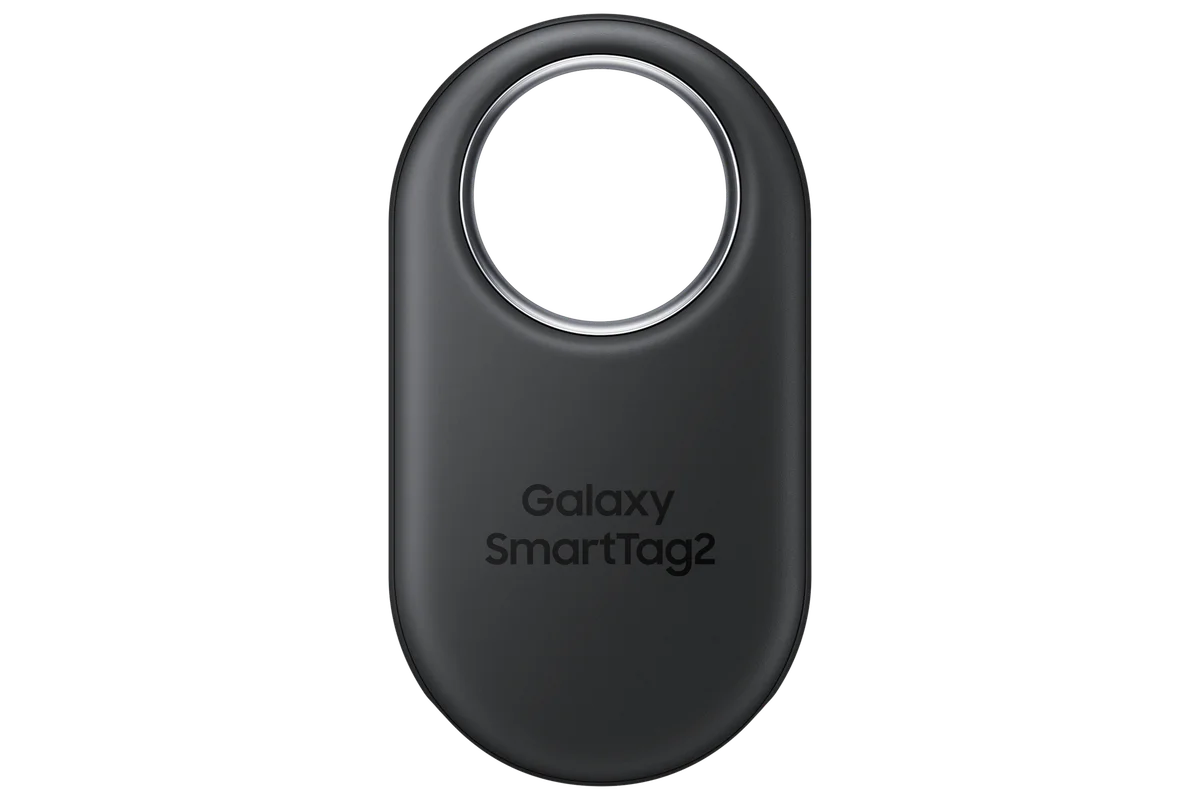
- Samsung Galaxy SmartTag2 — A Tiny Tracker With Real Staying Power
Common questions
Will I get a notification the exact second my kid steps through the door with just an AirTag? No. Apple's documentation describes AirTag location updates as dependent on nearby Find My network devices, so the timing is not guaranteed or instant (support.apple.com/en-us/HT212156).
Does Find My's arrival alert cost anything extra? It's a feature of the Find My app that comes with an Apple ID, not a separate purchase, per Apple's support documentation (support.apple.com/en-us/104976).
My child shares their location with me already - why don't I get an alert? Sharing location only lets you check where they are when you open the app; the push notification on arrival has to be turned on separately for that saved location, which is a common step people skip (support.apple.com/en-us/HT210400).
Is Tile Mate (2022) any better than AirTag for this specific use? Not fundamentally - both rely on Bluetooth proximity to a detecting device rather than continuous GPS, per each company's own product documentation (tile.com/products/tile-mate, apple.com/airtag). The better pick depends on which app ecosystem (Apple Find My vs. Life360) your family already uses day to day.