Best Gan Charger: What Actually Works
As an Amazon Associate we earn from qualifying purchases made through links on this page — it doesn't affect what we score, or how. How this works
The problem
You've got a desk full of laptops, tablets, and phones all fighting over power strips and slow chargers, and your laptop still takes forever to top up when you're in a hurry.
What’s actually going on
A standard single-port USB-C charger or an old-style power brick can only push out so many watts, and once you split that across multiple devices with a cheap hub or splitter, every device slows down. UGREEN states that its 240W USB-C1 port can charge a 16-inch MacBook Pro from 0% to 57% in 30 minutes, which it describes as 1.8 times faster than a 65W USB-C laptop charger, showing how much port wattage affects real charging speed.
The fix
Look for a multi-port GaN desktop charger whose specs show both a high single-port wattage and a high total output, since that combination is what lets one device charge quickly while others stay powered at the same time.
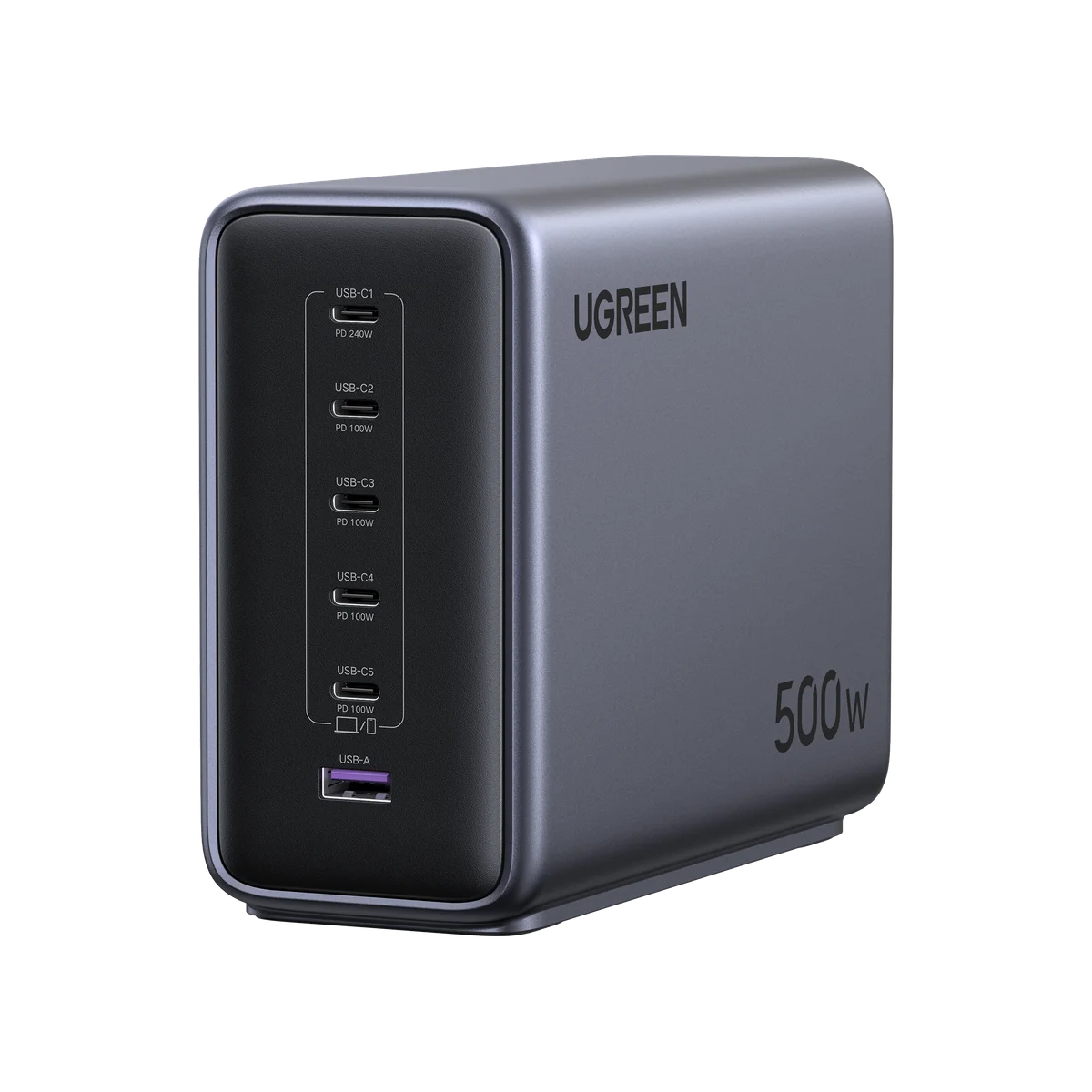
The UGREEN Nexode 500W 6-Port GaN Desktop Charger is built for exactly this: it has 500W of total output with up to 240W available from a single port, so a 16-inch MacBook Pro can go from 0% to 57% in about 30 minutes when plugged into the right port - UGREEN states this is 1.8 times faster than a 65W USB-C laptop charger. It can fast-charge up to five laptops or tablets plus a phone at once, according to UGREEN's product description.
Check the port layout before buying: the USB-C1 port is the one rated up to 240W and supports PD3.1, while USB-C2 through C5 each output 60W, so plug your highest-power laptop into C1 and spread the rest of your devices across the remaining ports. The unit uses 6 GaN chips with up to 95% conversion efficiency and intelligently redistributes power across connected devices so one plugged-in gadget doesn't starve another, per UGREEN's listing.
If your real problem is just phone charging or a single laptop and you don't need six ports running at once, a smaller single or dual-port GaN charger will solve the same slow-charging problem without the 500W unit's six-port layout, 240W single-port rating, and flame-retardant PC shell rated to withstand temperatures above 45°C that UGREEN describes for this model.
What we’d use
Why one charger instead of a pile of bricks
A desk with a laptop, a tablet, and a couple of phones usually ends up with as many separate wall adapters, each eating an outlet and each capped at its own modest wattage. A single-port charger can only push so much power to one device, and splitting that power across more devices with a basic splitter slows everything down. The UGREEN Nexode 500W 6-Port GaN Desktop Charger is built specifically for this kind of multi-device desk. It delivers up to 240W from its highest-rated port and 500W of total output, and UGREEN's own spec sheet describes it as supporting "ultra-fast charging for up to 6 devices simultaneously, such as 5 laptops/tablets + 1 phone," which covers a home office, studio, or shared workstation from a single unit.
How the ports are actually laid out
Not every port on this charger behaves the same way, and knowing the layout matters before you plug anything in. According to UGREEN, the USB-C1 port is the headline port, rated up to 240W and running PD3.1, while USB-C2, C3, C4, and C5 each output 60W. That means your single highest-wattage device should go into C1, with everything else filling the remaining 60W ports. UGREEN states that the C1 port can take a 16-inch MacBook Pro from 0% to 57% in 30 minutes, and describes this as 1.8 times faster than a 65W USB-C laptop charger - a concrete illustration of how much difference port wattage makes when a single device is plugged in alone versus sharing power across a hub.
The full kit, per UGREEN's listing, includes the charger itself along with a power cord, a user manual, and documented warranty and customer-service terms, which is worth checking against the listing for your region before ordering.
What's inside, and why it stays cool under load
The charger uses 6 individual GaN chips, and UGREEN lists a conversion efficiency of up to 95%, meaning less energy is lost as heat during charging compared with older silicon-based designs. UGREEN also says the unit intelligently redistributes power across connected devices, which is meant to prevent one device from being starved of power when several are plugged in at once. For buyers in hotter climates, UGREEN's Middle East product listing adds that the charger has a flame-retardant PC shell and is built to withstand temperatures above 45°C, alongside protections against short circuit, overvoltage, overheating, and overcharging.
Setting it up without losing the speed benefit
Getting the real benefit out of a charger like this comes down to matching ports to devices correctly, not just plugging in randomly.
- Identify your single most power-hungry device - the one that benefits most from the 240W PD3.1 port - and connect it to C1, since that's the only port rated for that output.
- Plug remaining laptops, tablets, or phones into the C2 through C5 ports, each rated at 60W, for steady charging on secondary devices even while C1 is working at full power.
- Use cables rated for the wattage you want; a cable rated below the port's output will cap your charging speed regardless of what the charger itself can deliver.
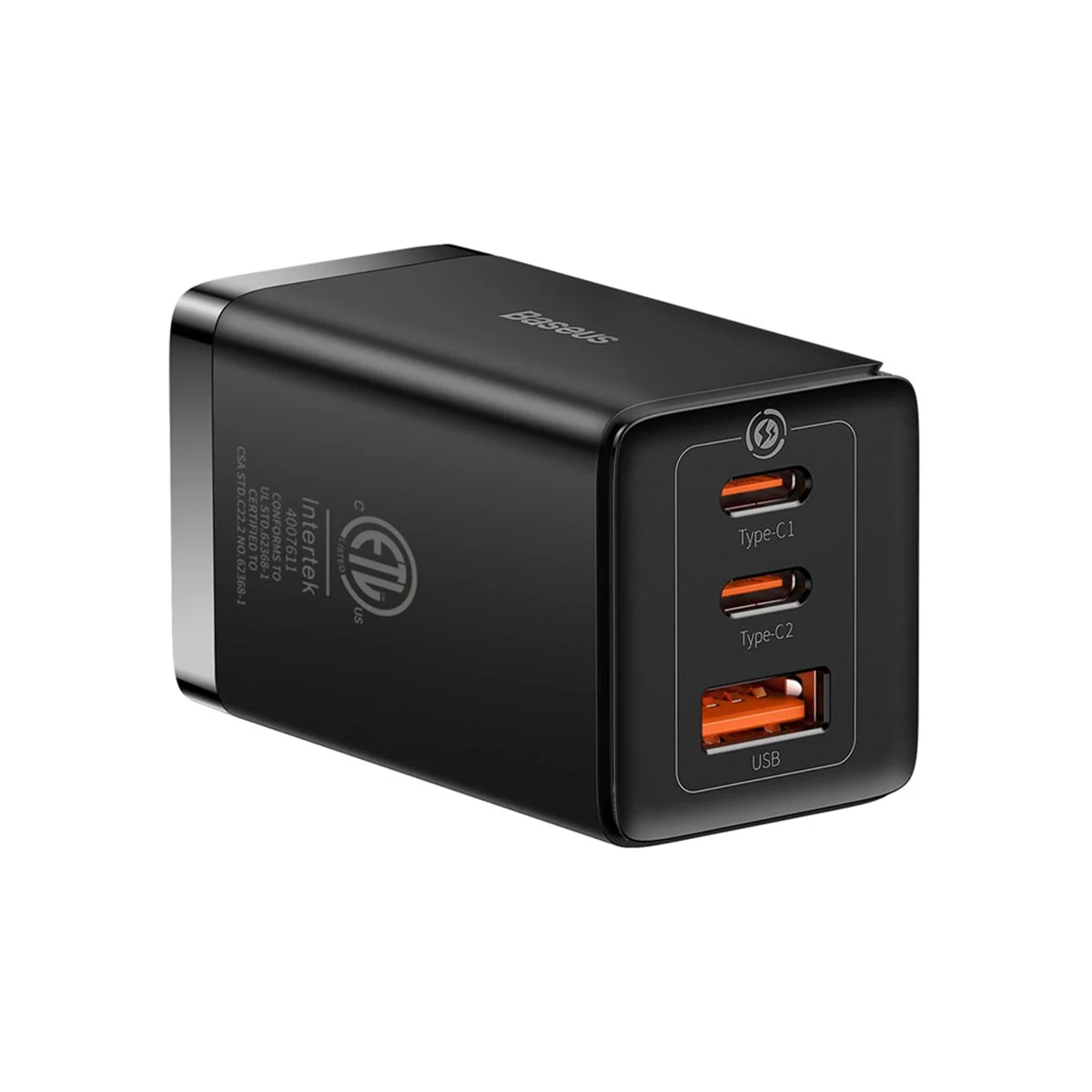
- If you're configuring a desk that also needs wireless charging for a phone or earbuds, a dedicated charging pad handles that separately from the USB-C ports on this unit; the Baseus 3-in-1 Wireless Charging Station is one option built for exactly that kind of multi-device wireless setup and suits people who want phone, watch, and earbuds charging in one spot rather than through USB-C cables.
A common mistake is assuming any port will charge any device at full speed. Plugging a device that needs more than 60W into one of the C2-C5 ports instead of C1 means it will still charge, but not at the headline speed UGREEN describes for that model - the 240W ceiling applies only to the one C1 port, and the 500W total output is shared across all six ports rather than available to each one independently.
Who this charger fits, and who it doesn't
This is a desk or studio solution built around UGREEN's own description of charging "5 laptops/tablets + 1 phone" at once, which points it toward homes and offices with several devices competing for power at the same time rather than a single person charging a single phone. The flame-retardant shell and stated tolerance for temperatures above 45°C, along with its short-circuit, overvoltage, overheating, and overcharging protections, make it a reasonable fit for desks in warmer climates where multiple devices are charging simultaneously for extended periods.
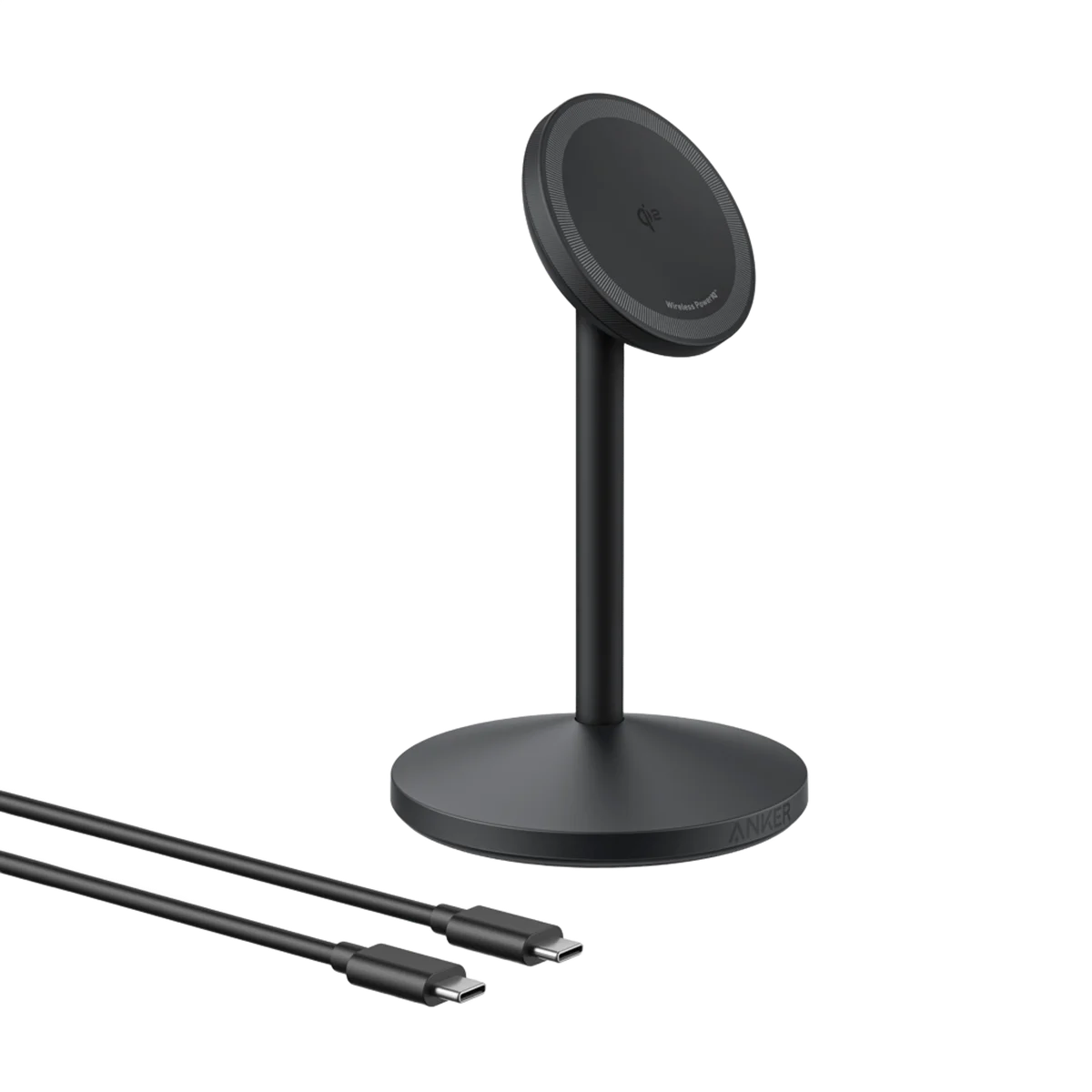
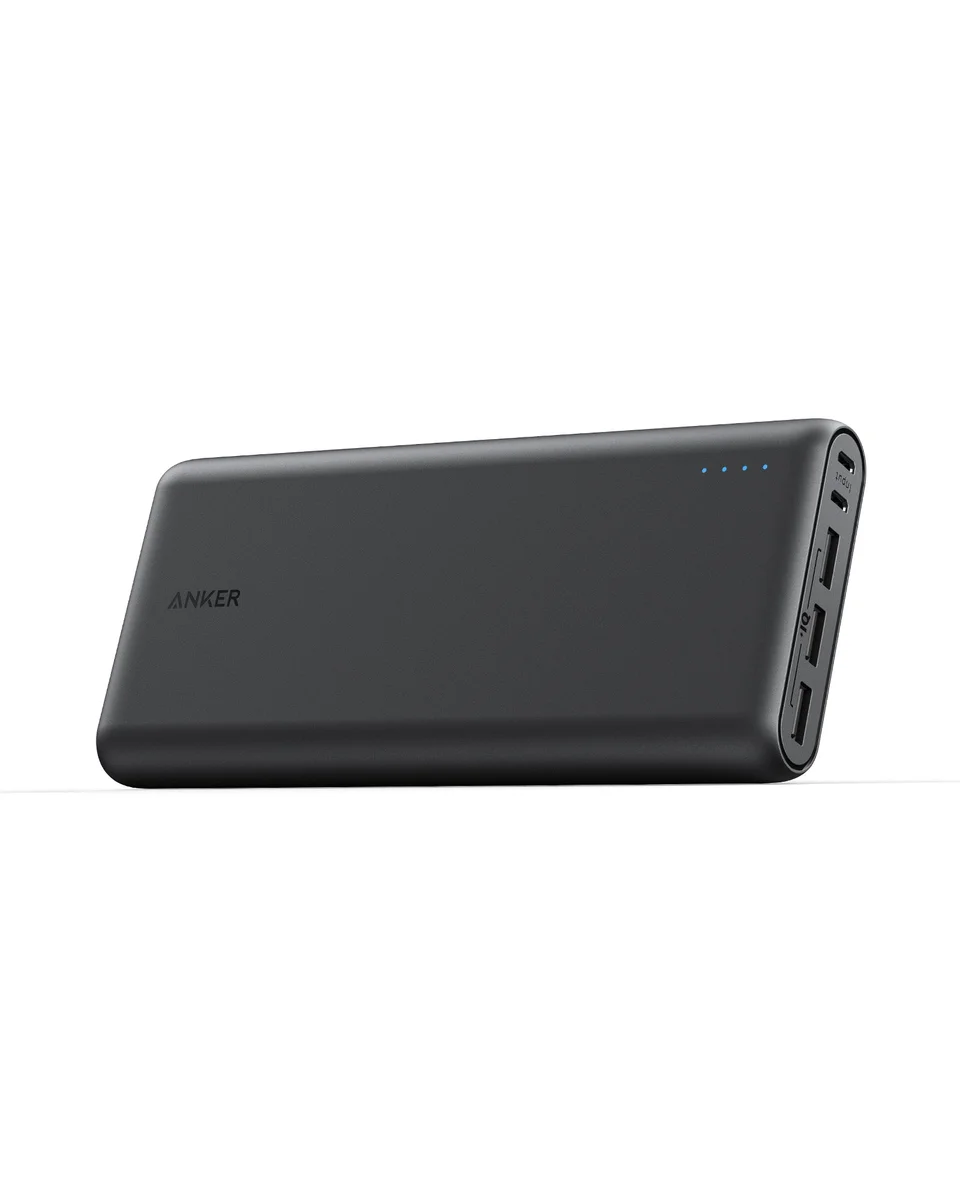
If the actual need is portable backup power away from a desk - charging a phone on the move rather than at a fixed workstation - that's a different problem from the one this charger solves, and something like the Anker 337 Power Bank is built for travel and on-the-go charging rather than a stationary multi-port setup. Similarly, anyone whose real complaint is fumbling with cables for a single iPhone, rather than juggling five devices, is better served by a simpler accessory: the Anker 622 MagGo Magnetic Battery addresses that smaller, more personal charging gap, and the Anker MagGo Wireless Charging Stand suits someone who wants a single fixed charging spot for one phone rather than a six-port hub for a whole desk of devices.
Also in this category
Others we've scored in this category:
- Anker 622 MagGo Magnetic Battery — A Small, Snap-On Power Fix for iPhone Users
- Baseus 3-in-1 Wireless Charging Station — A Budget-Friendly Way to Declutter Your Nightstand
- Baseus GaN5 Pro 65W Charger — A Small Brick That Handles Big Charging Jobs
- Anker MagGo Wireless Charging Stand — A Solid Desk Upgrade for MagSafe Owners
- Anker 337 Power Bank — A Serious Charger for Serious Trips
Common questions
Can it actually fast-charge multiple laptops at once? UGREEN states it supports fast charging for up to five laptops or tablets simultaneously, with the C1 port carrying the highest-wattage device and the remaining four USB-C ports each supplying 60W.
Does the port I choose matter? Yes - only the USB-C1 port reaches the full 240W and PD3.1 speed; the other four USB-C ports are fixed at 60W each, so port choice directly affects charging speed for your highest-power device.
What protections does it have against overheating or short circuits? UGREEN lists short circuit, overvoltage, overheating, and overcharging protection as built into the unit's GaN smart charging technology, alongside a flame-retardant PC shell rated to withstand temperatures above 45°C.
How efficient is the power conversion? UGREEN states the charger uses 6 GaN chips offering conversion efficiency of up to 95%, which it says ensures minimal energy loss and more stable performance when multiple devices are drawing power at once.